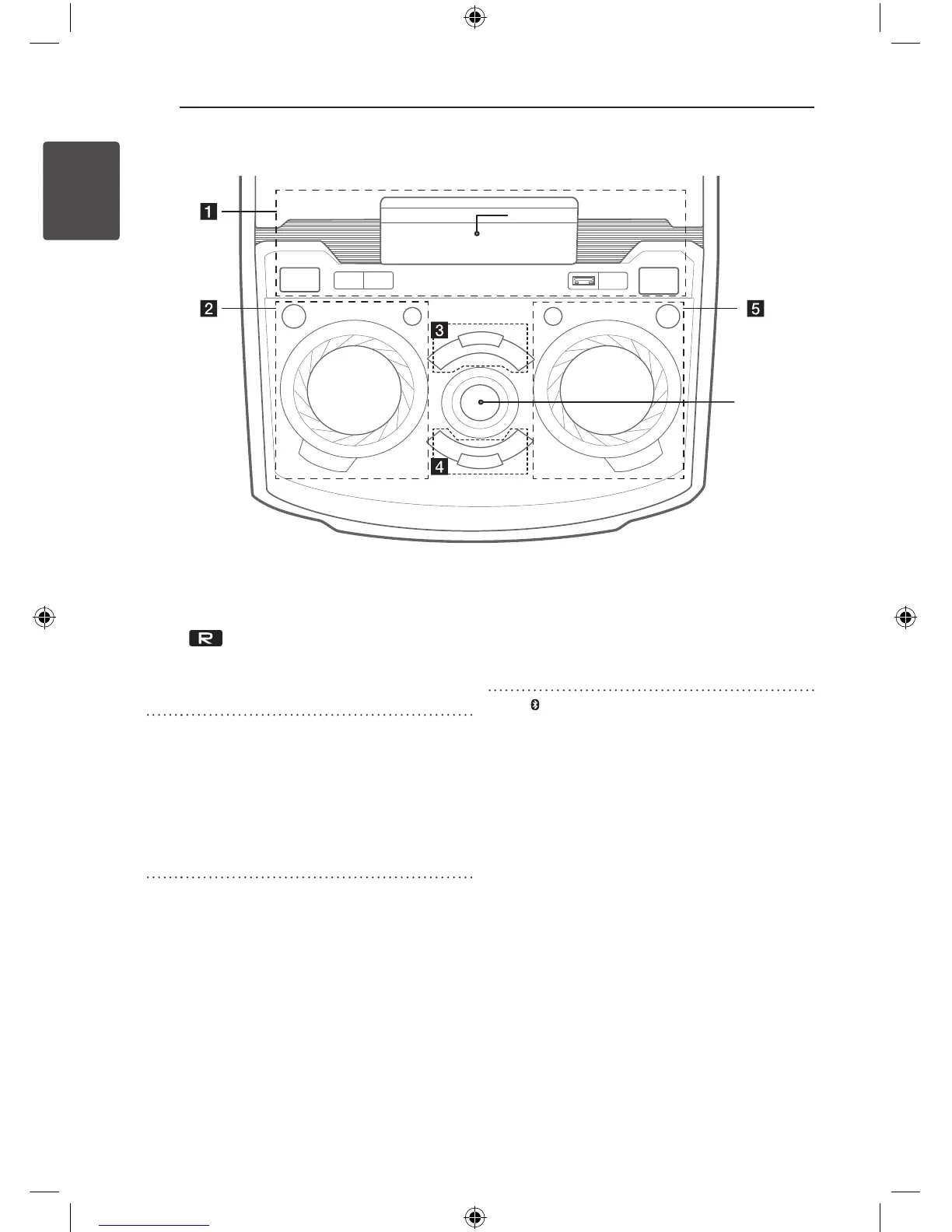
Top panel
a
1
/
!
POWER ON/OFF
USB Port :
You can play or record sound les
by connecting the USB device.
USB REC / DEMO
- Records to USB.
- Shows Demo mode.
*1 - Display window
b LIGHTING : Turns on/off the lighting effects.
FUNCTION : Selects the function and input
source.
ECHO VOLUME/CONTROL : Adjusts echo
volume.
LG EQ : Chooses sound impressions.
USER EQ : Controls sound register.
c
T
- Starts or pauses playback.
AUTO DJ
Selects the AUTO DJ mode. (For more
informaion refer to page 25).
BASS BLAST : Selects BASS BLAST or
STANDARD effect directly.
I
: Stops playback.
*2 - MASTER VOLUME : Adjusts speaker
volume.
d
Y/U
: Goes to the next or previous
chapter / track / file.
HOME : Goes to Home menu.
ENTER / SET : Acknowledges menu
selection.
Presetting the radio stations.
e Bluetooth : Turns to BLUETOOTH function.
REPEAT : Selects a play mode. (Repeat/
Random)
MIC VOLUME/CONTROL : Adjusts Mic
volume.
CLOCK
Sets a clock and checks a time.
ALARM
With the ALARM function you can turn
DISC, USB play and Tuner reception on at
a desired time.
*1
*2
OM7550D-FB.DINDLLK_FULL BOOK_ENG_MFL68982108.indd 10 2015-07-24 5:00:28



 To Next Page