21
Using the PROJECTOR
Using the PROJECTOR
Watching Projector
Initial Setup
The menu screen display in this owner's manual is an example to help users
understand how to operate the product and may look different from the actual screen.
1 Connect the power cord correctly.
2 After waiting for a moment, press the POWER button on the remote control or the
control panel.
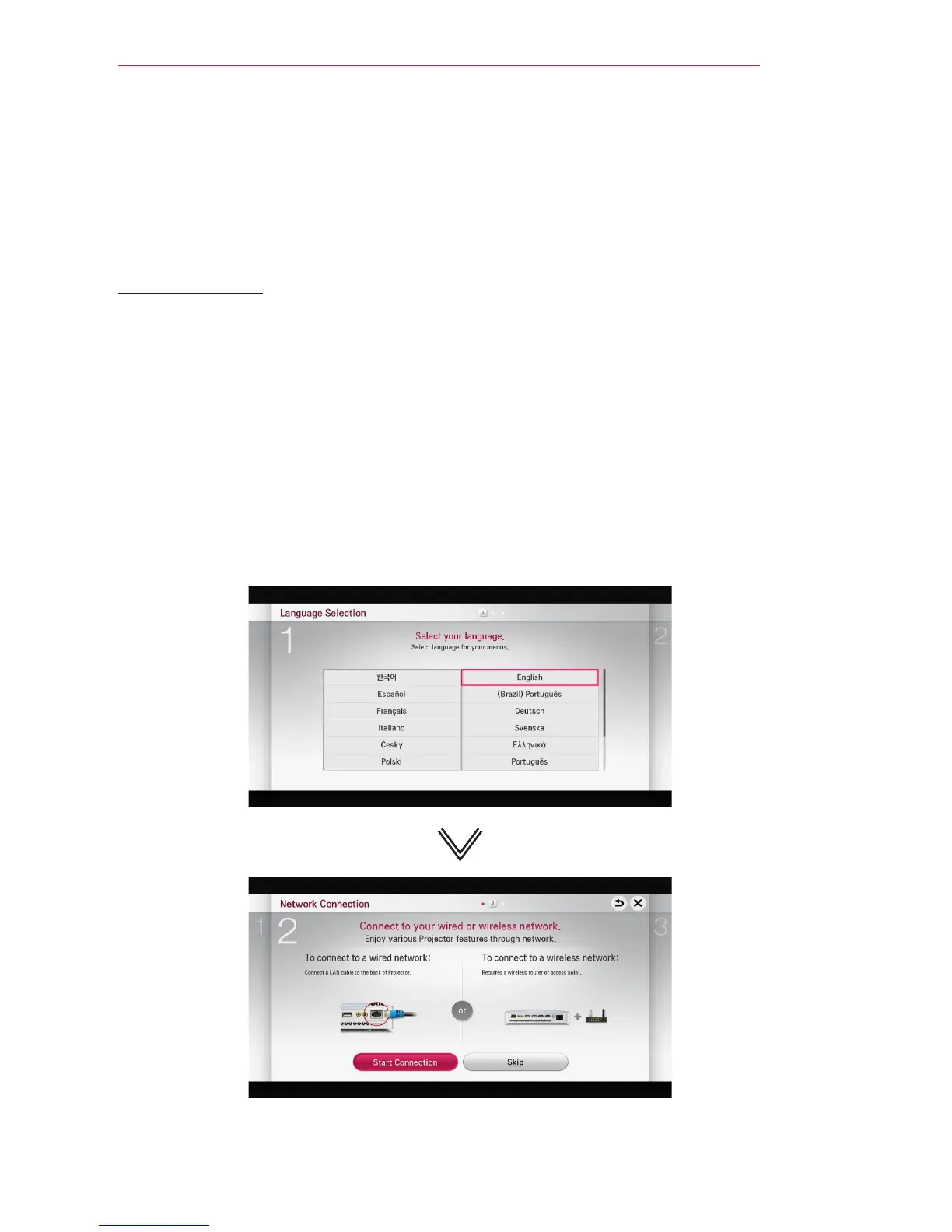
3 When you turn on the Projector for the rst time, a setting screen appears as shown
below. Here, you can specify the items required for watching the Projector more
easily.


 To Next Page
 Loading...










