55
CUSTOMIZING SETTINGS
TIME Settings
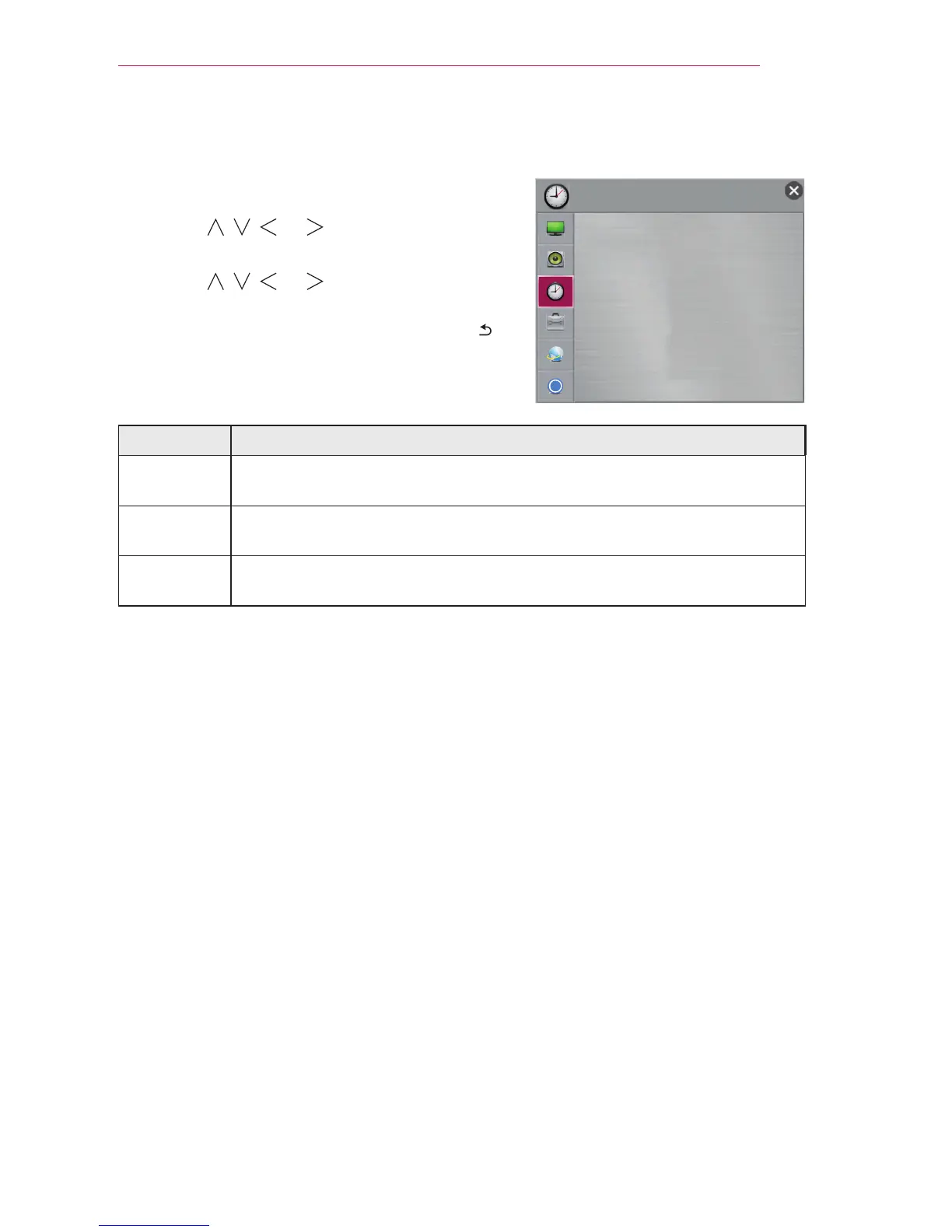
1 Press the SETTINGS button.
2 Use the , , , or button to select TIME and
press the OK button.
3 Use the , , , or button to set up the
desired item and press the OK button.
- To return to the previous menu, press the
button.
The available time settings are described as follows.
Item Description
Sleep Timer Turns off the Projector after a preset number of minutes.
To cancel the Sleep Timer, select Off.
Auto Off If there is no signal, the projector automatically turns off after the preset
time has elapsed.
Automatic
Standby
If you do not press any button on the projector or remote control for a
certain period, the projector will automatically switch to standby mode.
Ͱ
TIME
y
Sleep Timer : Off
y
Auto Off : 60 min.
y
Automatic Standby
: 4 hours


 To Next Page