26
Using the PROJECTOR
Using the Quick Menu
You can customize frequently used menus.
1 Press the Q.MENU button.
2 Press the or button to select a
menu and press OK.
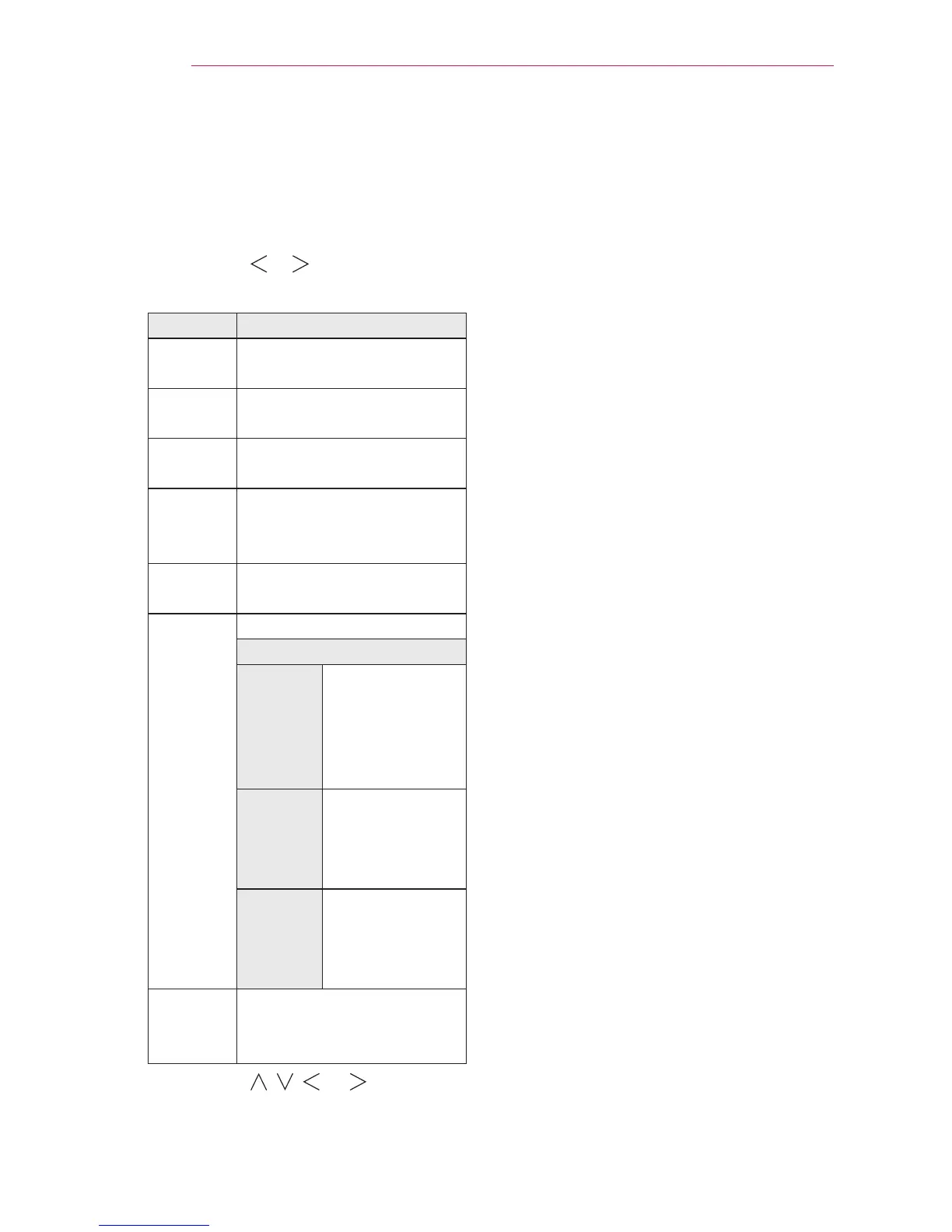
Menu Description
Aspect
Ratio
Resizes the picture.
Picture
Mode
Changes the picture mode.
Sound
Mode
Sets the sound mode.
Sleep
Timer
Sets the projector to be
turned off at the specied
time.
Energy
Saving
Adjusts the brightness.
AV Mode Sets the mode.
Mode
Off You can watch
using the
settings in the
video/audio
menu.
Cinema Change to
optimal video/
audio settings
for movies.
Game Change to
optimal video/
audio settings
for games.
USB
Device
Allows you to remove a
connected USB device in a
safe manner.
3 Press the , , , or button to
scroll through the following menus.


 To Next Page