59
CUSTOMIZING SETTINGS
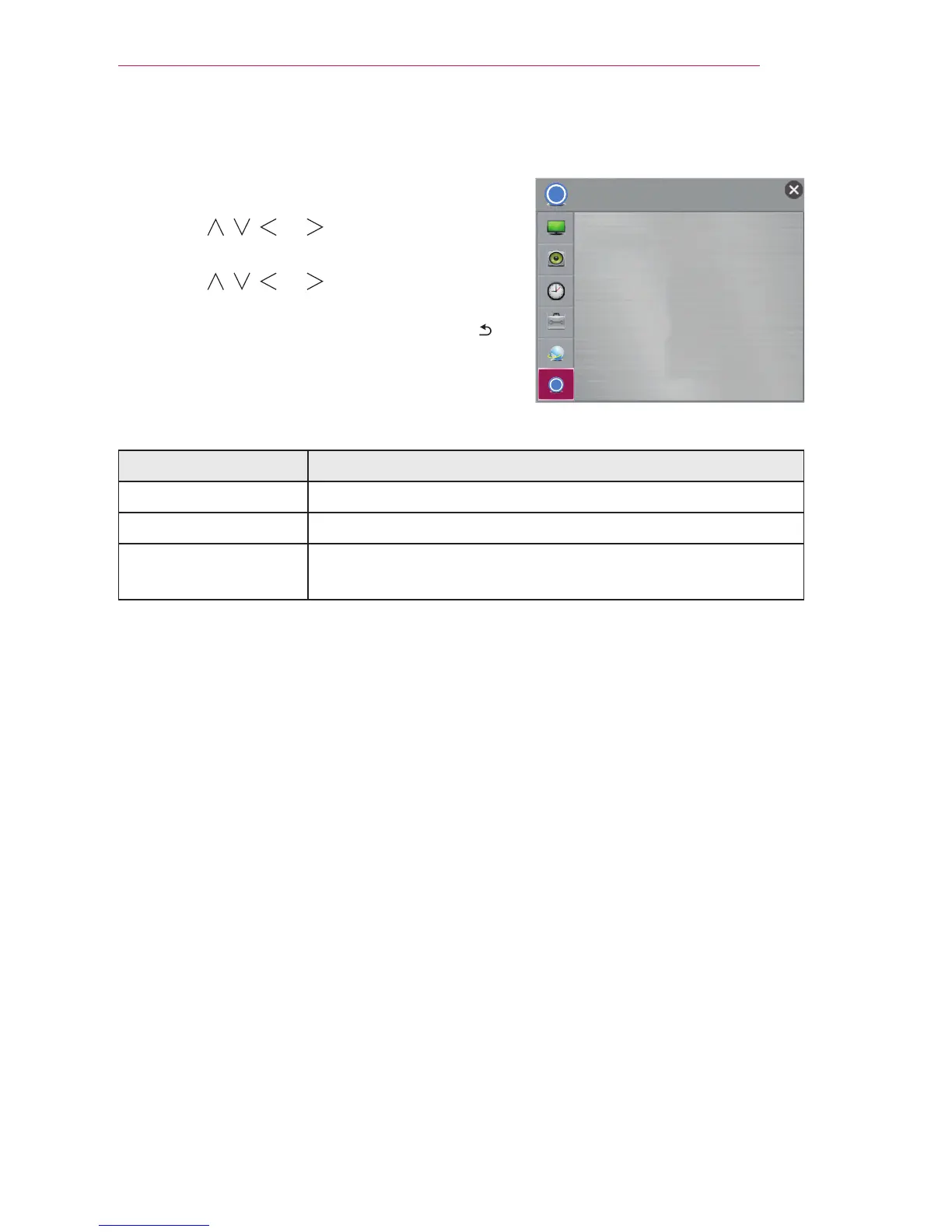
SUPPORT
1 Press the SETTINGS button.
2 Use the , , , or button to select
SUPPORT and press the OK button.
3 Use the , , , or button to set up the
desired item and press the OK button.
- To return to the previous menu, press the
button.
The available support settings are described as follows.
Item Description
Software Update Updates to the latest software.
Product/Service Info. Shows the product/service information.
Self Diagnosis Troubleshoots functional problems that can arise while using
the product.
Ͱ
Ͱ
SUPPORT
y
Software Update
y
Product/Service Info.
y
Self Diagnosis


 To Next Page