58
CUSTOMIZING SETTINGS
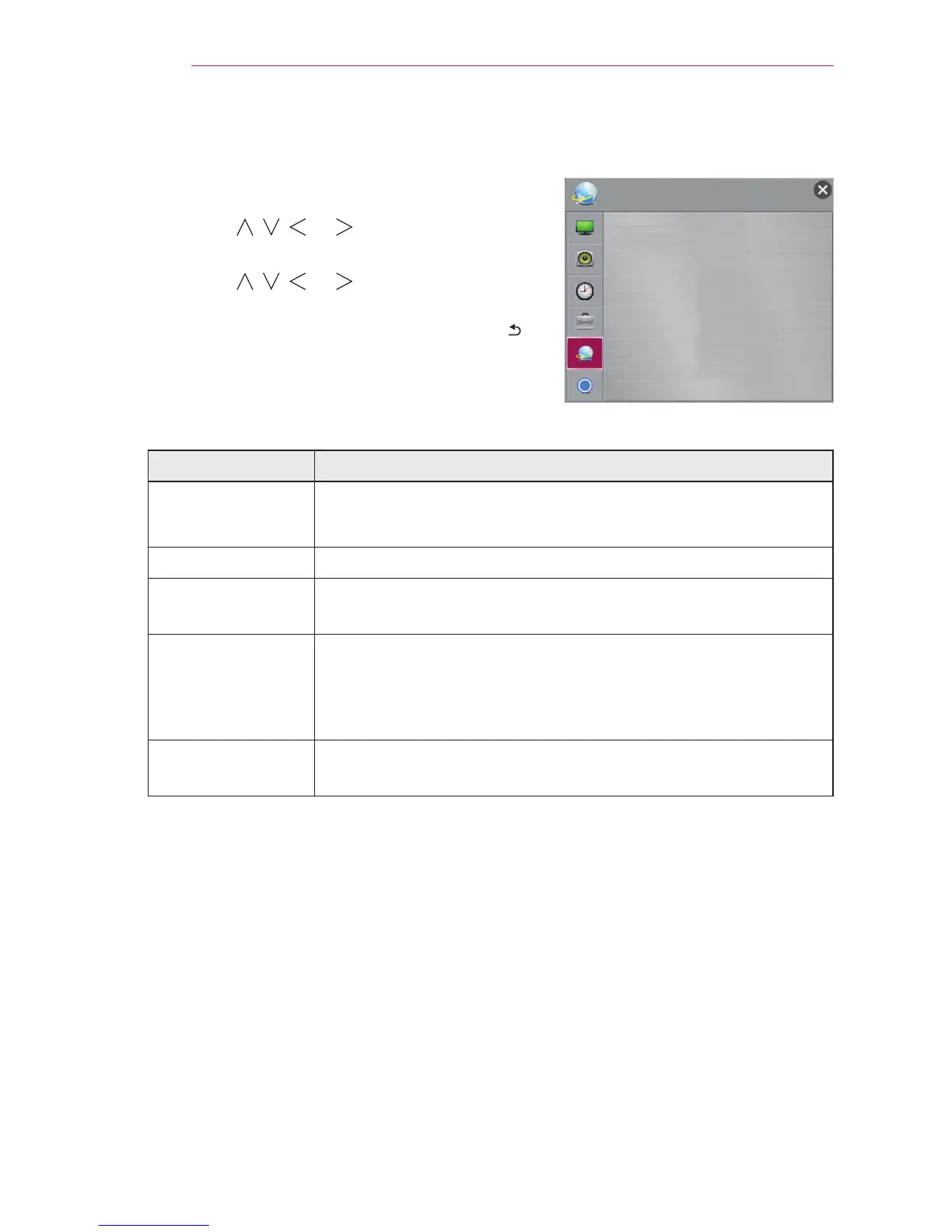
NETWORK Settings
1 Press the SETTINGS button.
2 Use the , , , or button to select
NETWORK and press the OK button.
3 Use the , , , or button to set up the
desired item and press the OK button.
- To return to the previous menu, press the
button.
The available network settings are described as follows.
Item Description
Network
connection
Connects a network.
Network Status Displays the connection status of the network.
Wi-Fi Direct Wi-Fi Direct is a function that allows your projector to connect
with a Wi-Fi Direct device without Internet connection.
Miracast
TM
/ Intel's
WiDi
The Miracast
TM
allows you to enjoy video and audio from a
portable device through the projector wirelessly. Intel's WiDi
allows you to view a laptop screen through the projector without
a cable.
My Projector
Name
Changes the name that appears when searching for the
projector from other devices.
Ͱ
NETWORK
y
Network Connection
y
Network Status
y
Wi-Fi Direct
y
Miracast
TM
/ Intel's WiDi
y
My Projector Name : PF80G-JE


 To Next Page