42
CUSTOMIZING SETTINGS
CUSTOMIZING SETTINGS
SETUP Menu
1 Press the SETTINGS button.
2 Use the r button to select a desired item and press theOK button.
3 Use the r button to set up a desired item and press theOK button.
4 When you finished, press EXIT.
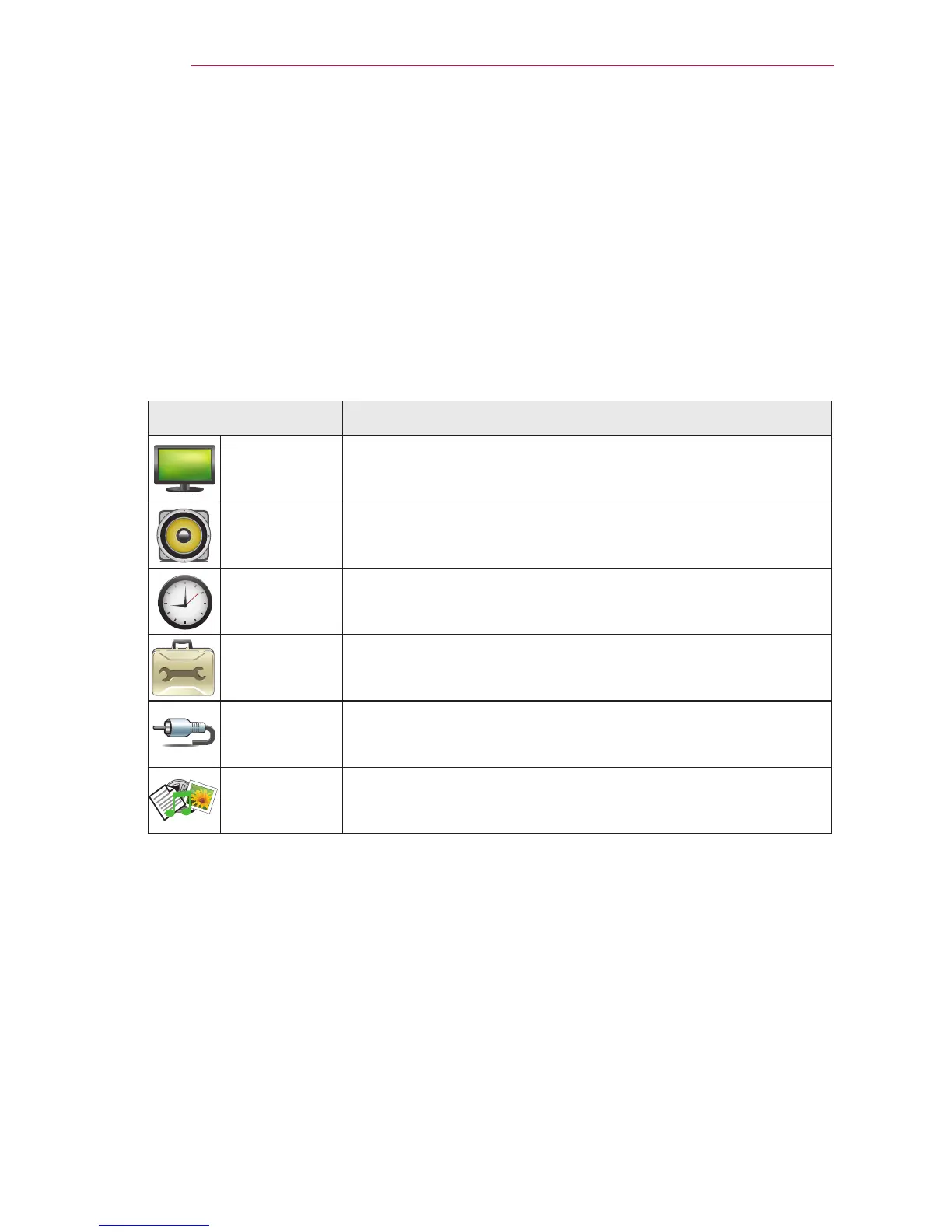
Menu Description
PICTURE Adjusts the image quality for optimal viewing.
AUDIO Adjusts the sound quality and volume level.
TIME Sets the time and time-related features.
OPTION Customizes the general settings.
INPUT Selects the desired input source.
MY MEDIA Accesses photo, music, movie, and document files.



 To Next Page