49
CUSTOMIZING SETTINGS
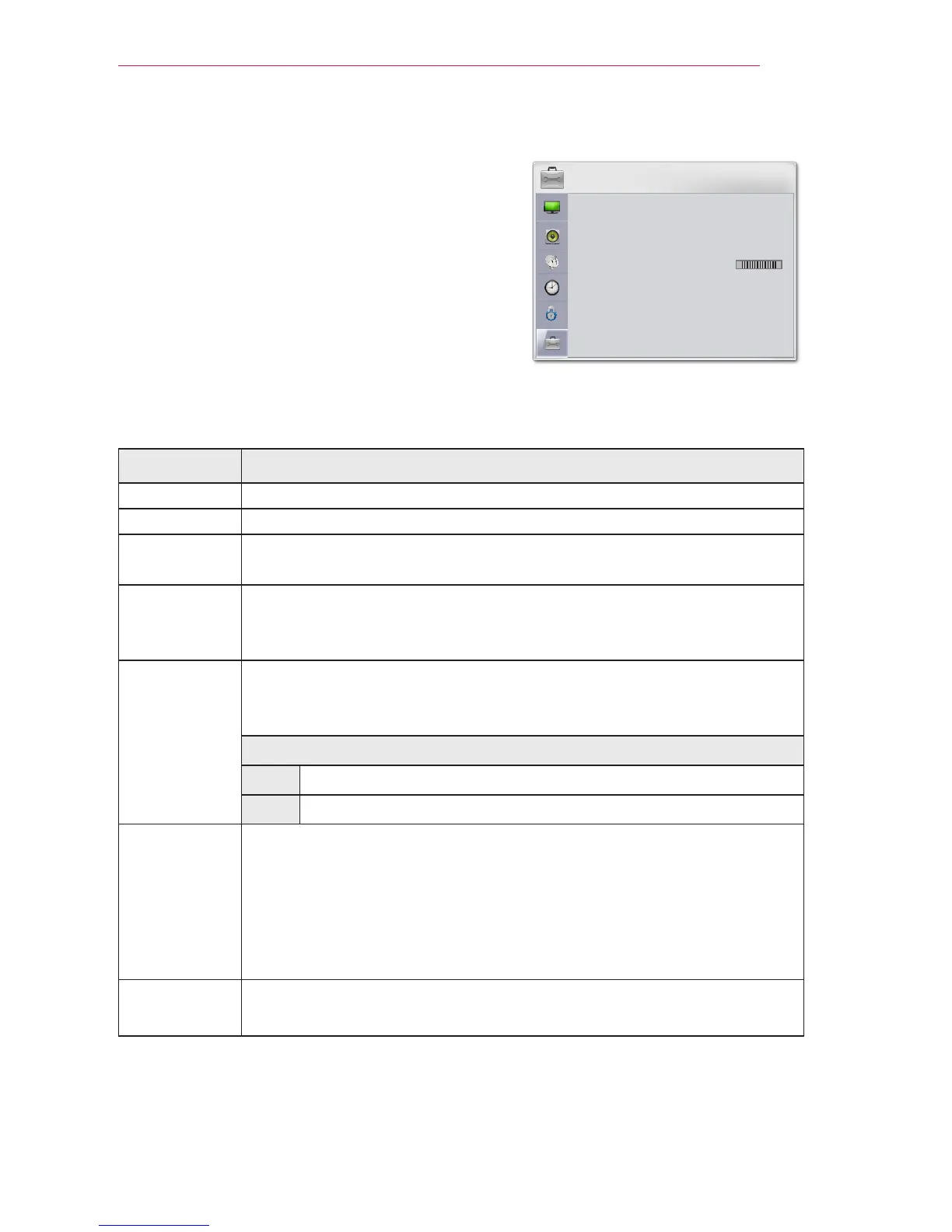
OPTION Settings
1 Press the SETTINGS button.
2 Use the or button to select OPTION
and press the OK button.
3 Use the orbutton to set up a desired
item and press theOK button.
- To return to the previous menu, press the
button.
4 Press the EXIT button when completed.
The available option settings are described as follows.
Setting Description
Language Selects a desired menu language.
WiDi ID You can check the device's the WiDi ID unique.
Caption If the language for the AV input is set to Korean, captions can be
turned on or off.
Keystone To prevent the screen image from becoming trapezoidal, Keystone
adjusts the top and bottom width of the image if the projector is not
set at a right angle to the screen.
Auto
Keystone
Auto Keystone provides a rectangular screen image by automatically
adjusting the Keystone number when there is a trapezoidal screen im-
age caused by tilting of the projector.
Option
ON Automatically adjusts the Keystone number.
Off Manually adjusts the Keystone number.
PJT Mode This function turns the projected image upside down or flips horizontal.
y
Select Rear when projecting from the back of the transparent
screen purchased separately.
y
Select Ceiling when installing the product on the ceiling.
y
When PJT Mode is Front/Front Ceiling/Rear/Rear Ceiling, the left/
right of the speaker changes automatically.
Blank
Image
Selects a background for blank Image.
(see 26 page)
OPTION
Language



 To Next Page