Purpose
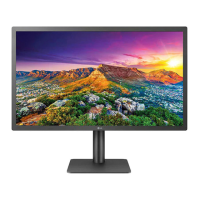
Applied model
Contents and Guidance
[CIC Guide] How to adjust the Audio Output and Brightness
How to adjust the Audio Output and Brightness
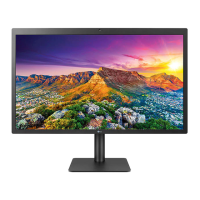
24MD4KL/27MD5KL
[Guidance]
1. Symptom : can’t adjust the Audio Output and Brightness in Monitor OSD.
2. CIC Guidance
1) Check PC Spec: MacBook or Windows PC
2) Customer Guide : Please guide the method according to PC as below..
24MD4KL/27MD5KL
Apple Logo -> System Preferences
Display adjust Brightness in the Monitor
* PC Brightness can be adjusted with PC setting
Sound Select LG UltraFine
Display Audio and can adjust
Output Volume in bottom side
Select the Speaker Icon in Windows Tray,
and then select LG UltraFine Display Audio
for adjusting the Volume
impossible.
Mac
Windows


 To Next Page
 Loading...