- 6 -
Copyright © LG Electronics Inc. All rights reserved.
Only training and service purposes.
1. LG Screen Manager
Mac applications that support FW updates on monitors
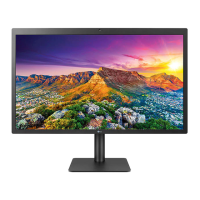
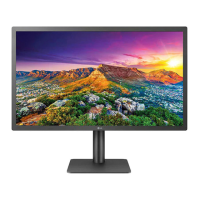
24MD4KL/27MD5KL (Mac support)
1.1. FW Update
- Supports FW updates for Scala, Audio, NXP, and Hub
(24MD4KL)
- Supports FW updates for Scala, CAM, Audio, NXP, and
Hub(27MD5KL)
- Support for automatic FW updates through Internet servers
- Manual FW update support using le open
- Enables recovery in case of FW update failure
1.2. Setting
- Automatic installation when boot the Macbook.
- Automatic Updates On/Off
- Factory Reset
- Help
2. How to FW Update
1) Go to the Monitor Update tab
2) Select FW Image ZIP le for update pop-up
3) FW update started (in progress)
4) FW update completed. Cable reconnect notication mes-
sage output.
SOFTWARE UPDATE


 To Next Page
 Loading...