20
Slide Aside
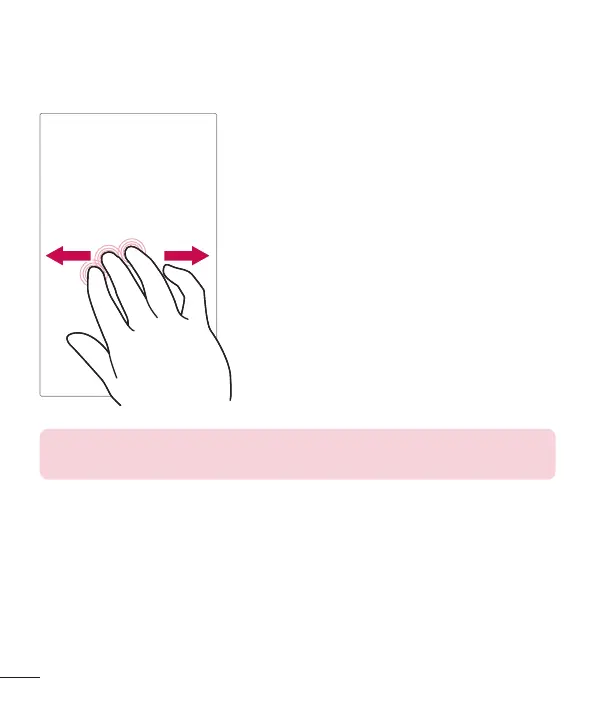
Slide Aside allows you to quickly switch between three open applications (or
tasks) using a three finger gesture.
1 While an application is open, place three
fingers on the screen and slide to the left.
The current screen is saved and the Home
screen appears.
2 To re-open the saved apps, place three
fingers on the screen and slide to the right.
Tap the desired app you want to open.
Tip! The Slide Aside feature does not recognize fewer fingers, additional
fingers, or your palm.
Tap or touch
A single finger tap selects items, links, shortcuts and letters on the
on-screen keyboard.



 To Next Page