30
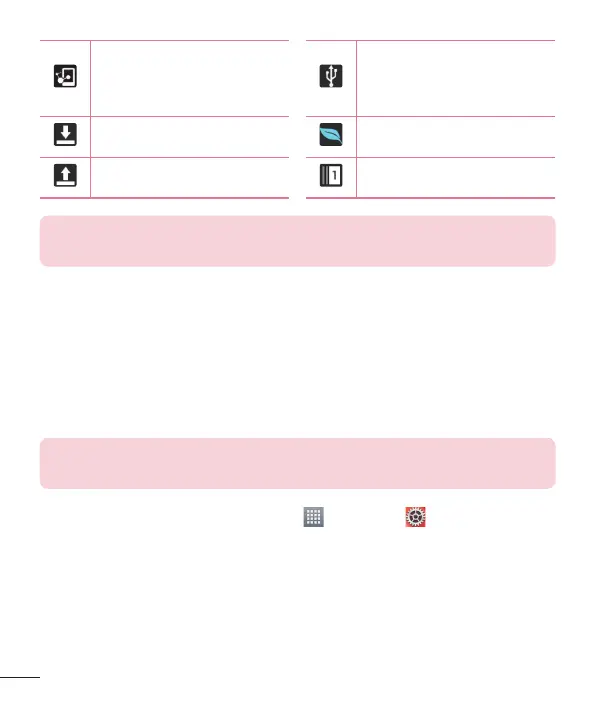
DLNA is on
Tablet is connected to
PC via USB cable or USB
tethering is active
Downloading data Battery saving mode is on
Uploading data Slide aside is active
NOTE: The location of the icons in the Status Bar may differ depending
on the features, apps, and services being used.
Plug & Pop
Plug & Pop allows you to quickly choose apps to use when plugging in an
earphone or On-the-Go device, such as a mouse or keyboard.
1 Plug an earphone or OTG (On-the-Go) device (i.e., mouse, keyboard, etc.).
2 The applications panel will display and you can select an app to run.
NOTE: You can edit the applications to display on the panel and set not to
show the applications panel.
From the Home screen, tap Apps
> Settings > Accessory.



 To Next Page