48
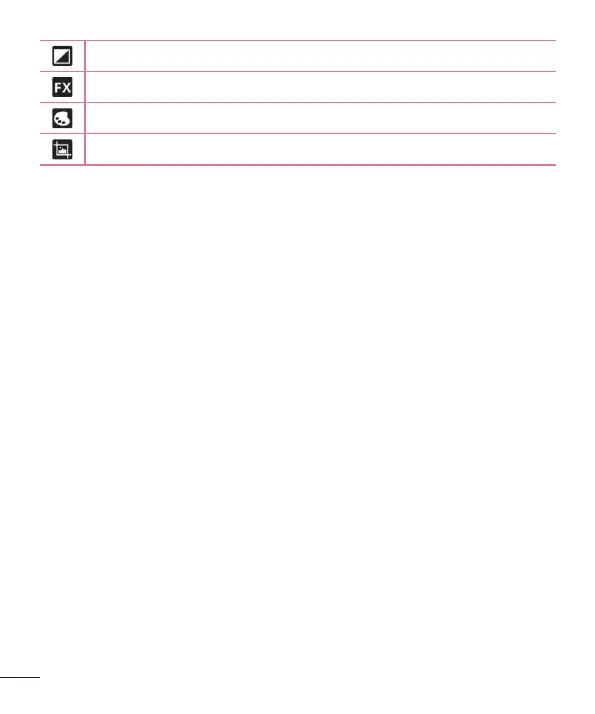
Applies a brightness effect to your photo.
Applies artistic effects to your photos.
Applies color effects to your photos.
Applies additional options to your photos.
Slideshow – Automatically displays a slideshow of all your pictures.
Add location – To add the location information.
Print – Allows you to print the picture.
Details – Displays more information about the picture.
Viewing your saved photos
You can access your saved photos when in camera mode. Just tap the
image preview in the bottom of the screen and your Gallery will be displayed.
ţ To view more photos, scroll left or right.
ţ To zoom in or out, double-tap the screen or place two fingers and spread
them apart (move your fingers closer together to zoom out).



 To Next Page