Operation 3-1
3
Operation
Installing the PC Communications Software on Your Computer
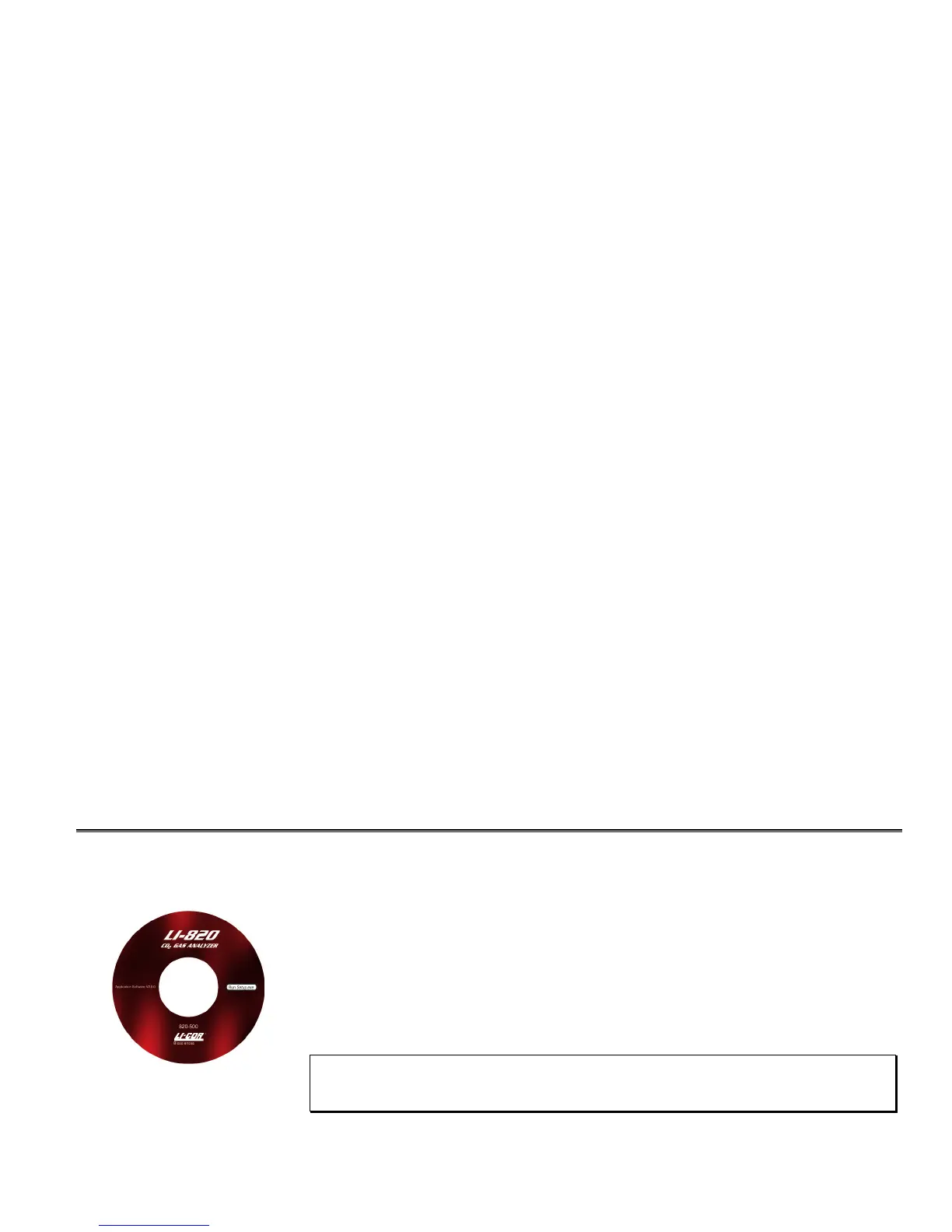
The 820-500 software is shipped on CD. It requires that your computer have a USB or RS-
232 serial (COM) interface, and Windows® XP/Vista.
An installation menu starts when you insert the CD into your CD-ROM drive. Select Install
Software from the menu and follow the instructions. If installation does not start, select
Run
from the Windows Start menu, and select the
Setup.exe file on the CD. When the software
has finished the installation procedure, a program icon will be placed in the Programs menu.
NOTE: To remove the software, go to the Control Panel and select Add/Remove
Programs. Choose LI820 from the list of programs and click the Add/Remove button.



 To Next Page