Section 5
Maintenance 5-5
Changing the Fuse
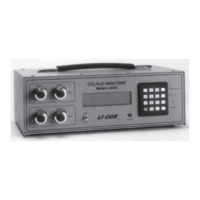
The LI-820 power supply is protected by a 2A 250V, 5 20 mm fast-blow type fuse located
inside the case. If the battery fails to power the LI-820, and will not light the Power LED on
the top panel, check to see if the fuse has blown.
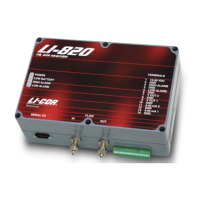
To check the fuse, remove the six screws on the top of the LI-820. The fuse is located on the
main circuit board, near the Flow In port, as shown in Figure 2-1. Replacement fuses (part
#439-03952, in the spares kit) plug into the fuse holder; no soldering is required. Replace the
fuse and reassemble the LI-820 case.
Storing the LI-820
The LI-820 can be stored in non-condensing conditions, but if it is exposed to high humidity
or moderate humidity for a long period of time while it is powered off, the humidity can
temporarily affect measurements. You can identify this issue by observing unexpected drift
that stabilizes after several days of operation, an offset in measurements, or unresponsiveness.
If your instrument exhibits these characteristics, verify the issue by comparing raw detector
outputs in data that was collected before and after storage. If you don't have these data,
contact LI-COR and we will provide the calibration data set for your instrument. In the PC
interface software, click View > Diagnostics and observe the value for Raw CO2 Reference.
If this value is lower than the original value, power on the instrument and let it run (with the


 To Next Page