Section 3
3-6 Operation
Parameter Description
Filter Shows the current value for software signal averaging, set in the
Settings window. The filter can be set from 0 (no signal averaging)
to 20 seconds.
Path Length Shows the size of the optical bench installed in the LI-820, either
5.5 inches (14 cm), or 2 inches (5 cm). The 2 inch bench is no
longer available, but may be present in older instruments.
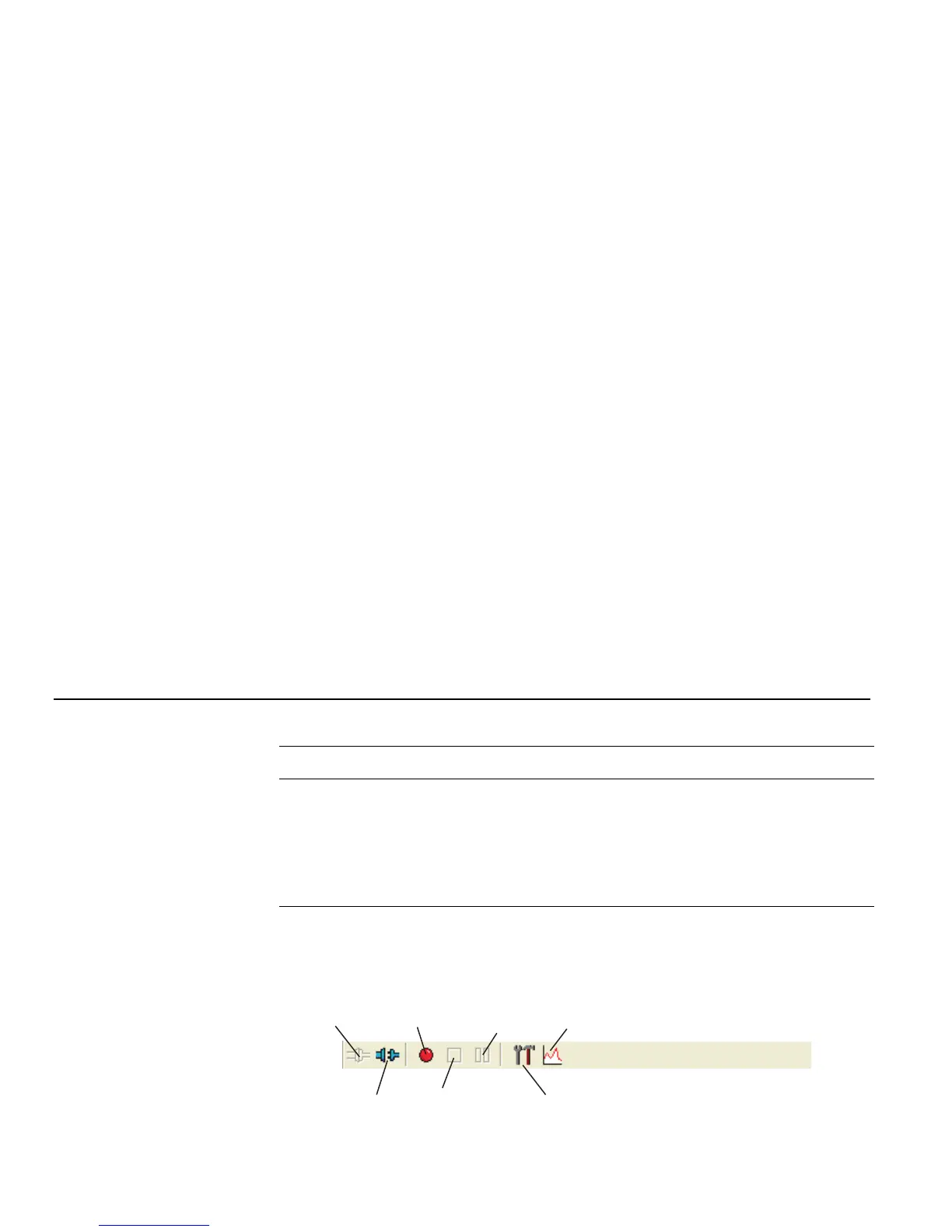
Using the Toolbar
The toolbar in the Main window contains shortcuts for some of the commonly used menu
items:
Connect
Disconnect
Start
Logging
Stop
Logging
Pause
Logging
Settings
Charting



 To Next Page