Section 1. General description
Connecting with the analyzer
The following tutorial describes the basic steps you'll follow when you turn on the
LI-830 or LI-850 for the first time.
1 Install the software on your computer
The software is used to configure data communication, analog and digital outputs,
alarms, data logging, and to verify the calibration.
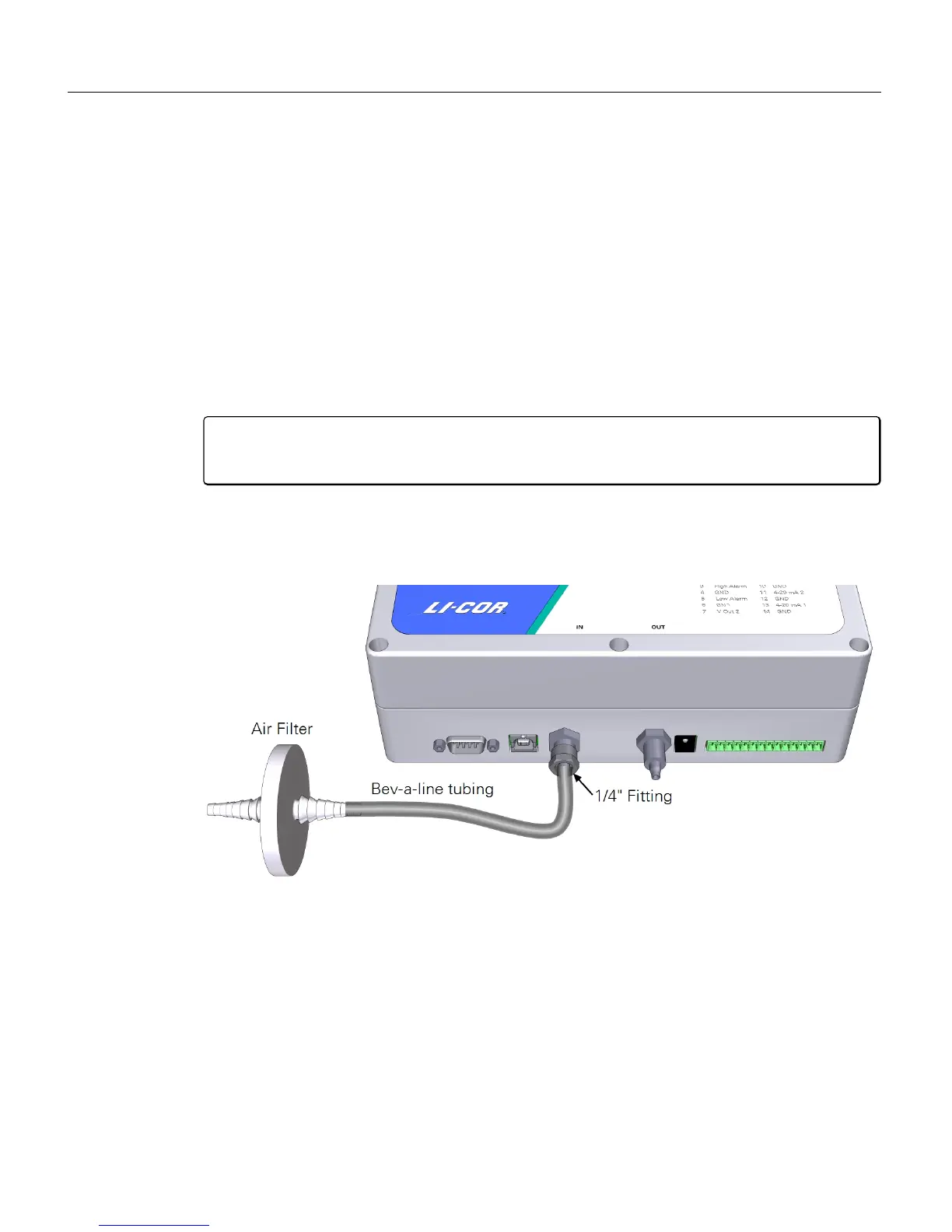
2 Install an air filter on the air-in port
Caution: Always install an air filter on the input air before operating the LI-830
or LI-850. Failure to use a filter will cause contamination of the optical bench.
Retrieve an air filter and tubing from the accessories kit. Cut a 5 to 10 cm piece of
tubing. Attach the filter and tubing to the air-in port. Observe the arrow on the fil-
ter and be sure that the air flow is in the proper direction.
3 Install the USB cable
The USBconnection is the simplest way to connect the analyzer with a computer.
If you want to use the RS-232 serial connection instead, connect the cable to the
serial port, and install a serial-to-USB adapter on the serial cable, if needed.
1-4 Using the LI-830 and LI-850 Gas Analyzers



 To Next Page