Section 3. Operation
This section describes basic operation of the LI-840A.
Installing the PC Communication Software on Your Computer
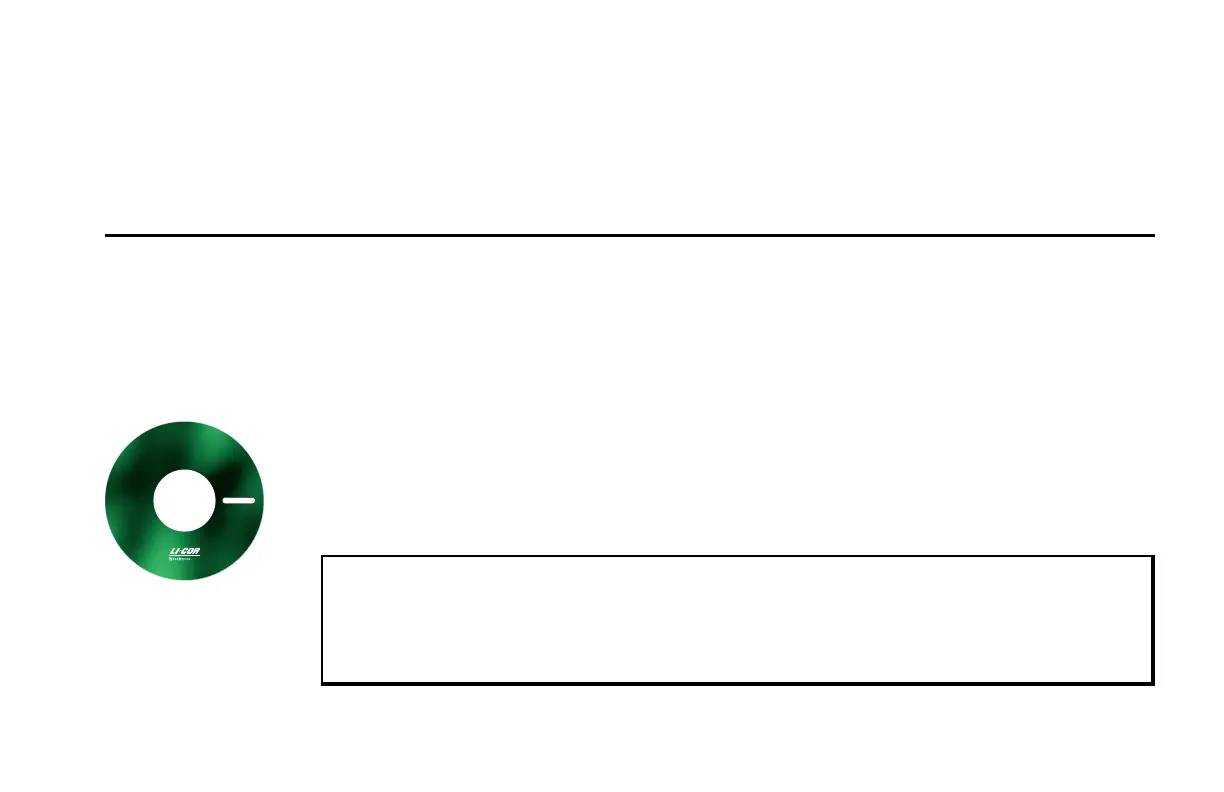
The software application is shipped on CD. It requires that your computer have an RS-232 serial
(COM) interface, and Windows® 7, 8, 8.1, or 10.
6
1
8
-
1
0
7
8
7
Application Software V2.0.0
Run Setup.exe
®
LI-840A
CO
2
/H
2
O GAS ANALYZER
An installation menu will start when you insert the CD into your CD-ROM drive. Select Install
Software from the menu and follow the instructions. If installation does not start, select Run from
the Windows Start menu, and select the LI840Setup.exe file on the CD. When the software has
finished the installation procedure, a program icon will be placed in the Programs menu.
NOTE: To remove the software, go to the Control Panel and select Add/Remove Programs (XP)
or Uninstall a program (Vista/7). Choose LI840 from the list of programs and click the Add/Re-
move button. If your computer has the older LI840 software, be sure to use the correct pro-
gram when configuring the LI-840A.
Section 3. Operation 3-1


 To Next Page