Parameter Description
Filter Shows the current value for software signal averaging, set in the Set-
tings window. The filter can be set from 0 (no signal averaging) to 20
seconds.
DAC Output Displays source channels for DAC1 and DAC2, and the voltage out-
put range (0-2.5V or 0-5V).
PC Logging Shows "Off" if data are not being logged to a file, or "Logging" when
data are being logged to a file.
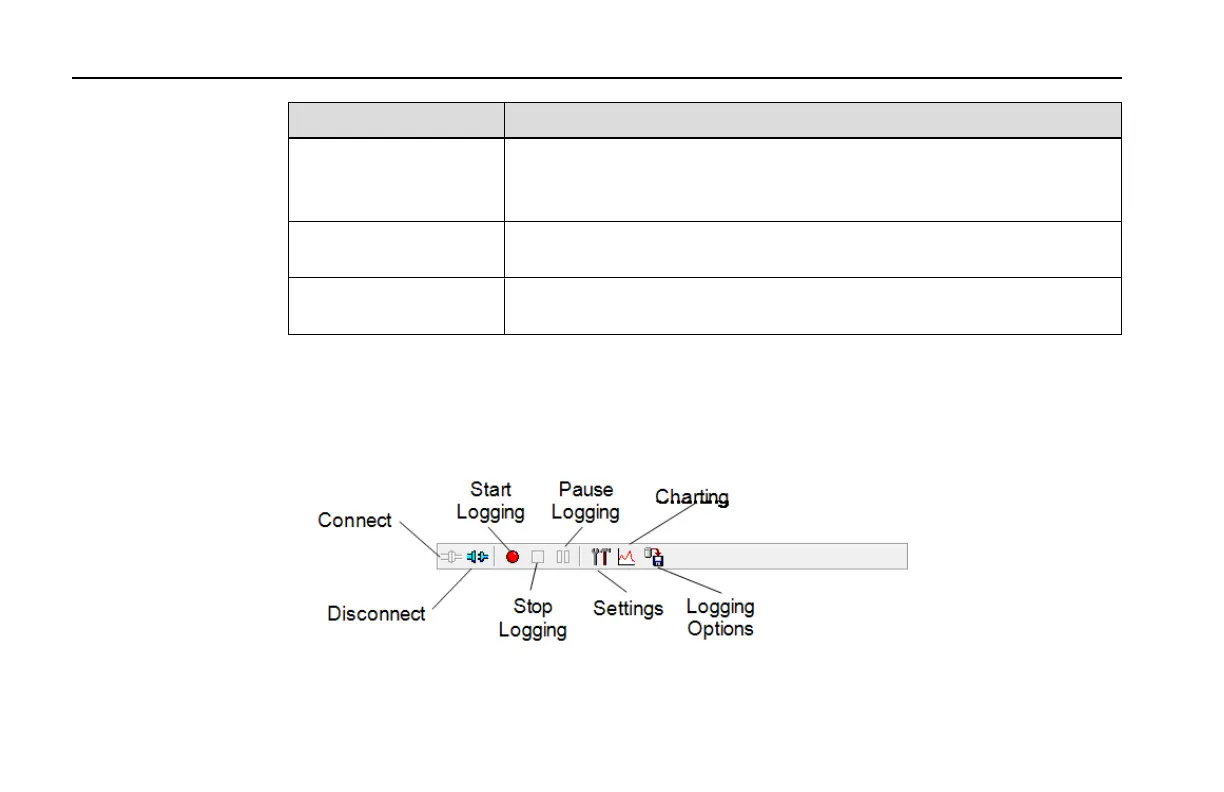
Using the Toolbar
The toolbar in the Main window contains shortcuts for some of the commonly used menu
items:
Section 3
3-6 Section 3. Operation



 To Next Page