Initial Setup
Click on the LI-840A program icon to start the program. The LI-840A Main Window appears.
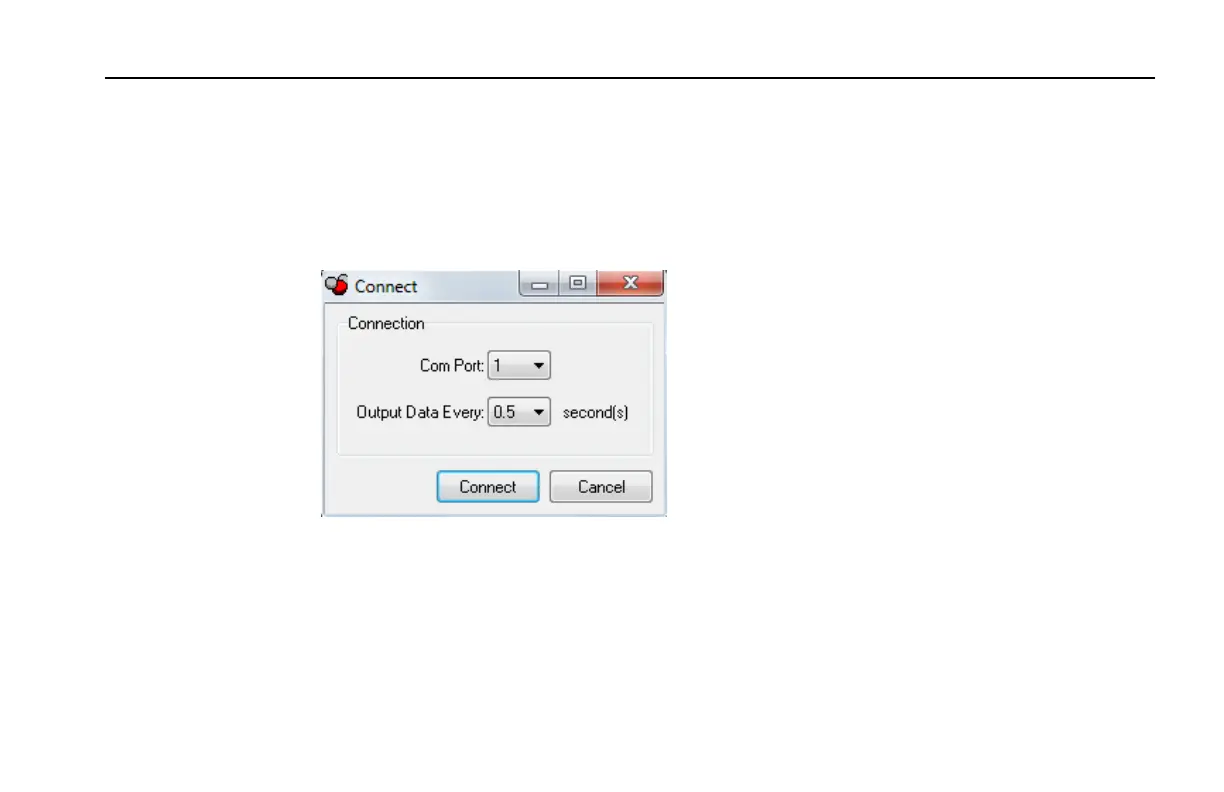
Select Connect from the File menu, or click on the connect icon on the toolbar, beneath the File
menu. You are asked to select the serial port to which the LI-840A is connected, and the output
interval at which data are output (0.5 to 20 seconds, in 0.5 second increments).
Choose a COM port and the output interval and click Connect. If the instrument is connected
properly, data will begin to appear in the Main window (below):
3-3Section 3. Operation
Section 3



 To Next Page