Operation
42
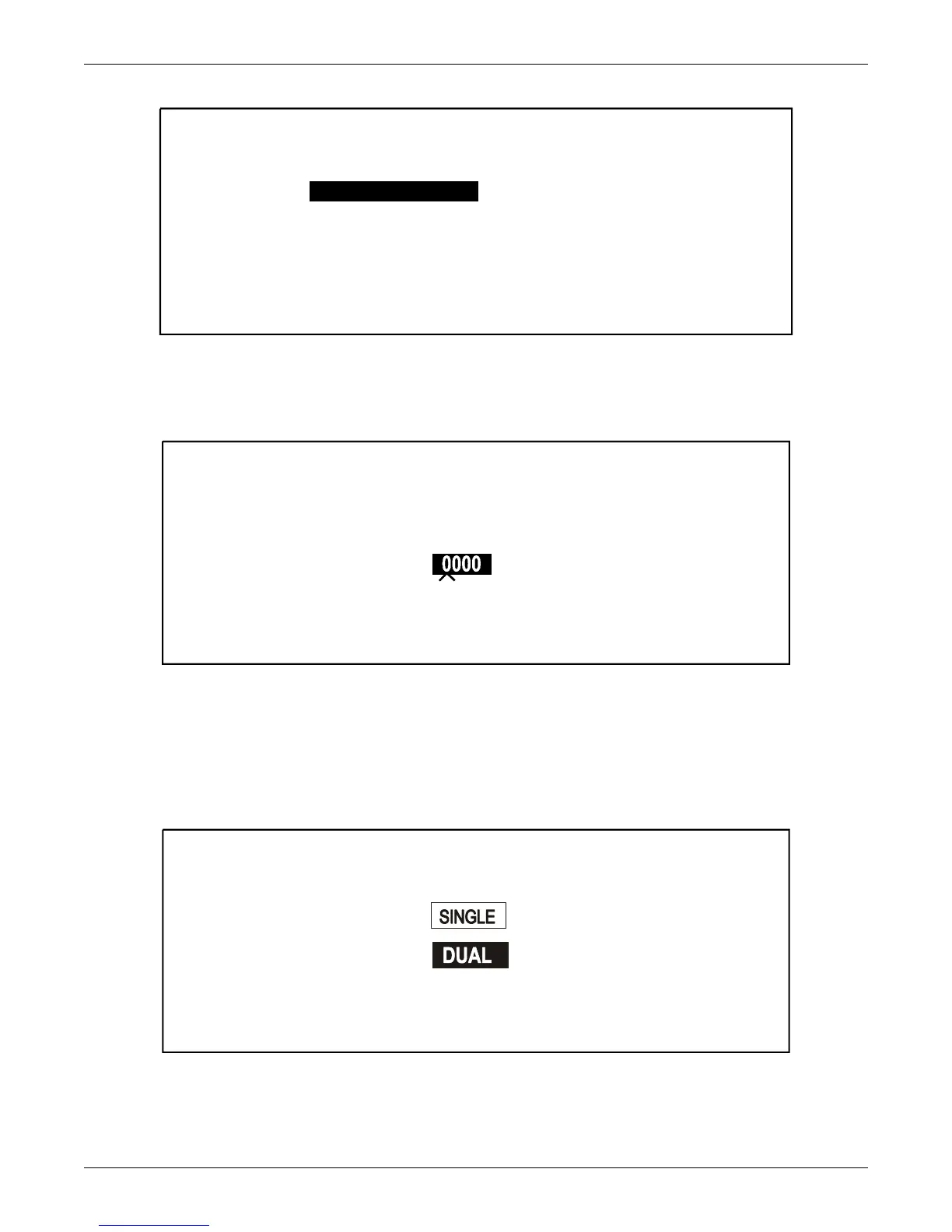
Figure 47 System settings, page 3
The Single / Dual Input Screen is password protected. (See 3.2 - Security Access and Passwords
for more information on Security Access and Passwords.) After highlighting Single / Dual Input from
the System Settings Screen, and pressing SELECT, the following screen will appear.
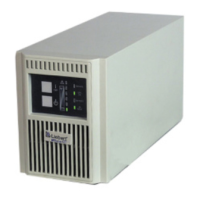
Figure 48 Enter password screen
You must enter your secure password to access the next screen. The position of each of the four digits
of the password is indicated by the mark below the zero. The system will remain password free for five
minutes, allowing changes to be made.
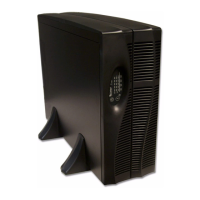
Highlighting either Single or Dual and pressing SELECT saves changes and returns the Operator to
the System Settings screen.
Figure 49 Single /dual input screen
SYSTEM SETTINGS
SAVE & EXIT
CANCELPREV.
SINGLE / DUAL INPUT
BYPASS AUTO TRANSFORMER T3 NO
OPTIONS . . .
OUTPUT TRANSFORMER BYPASS WIND. NO
DUAL
COMM. OPTIONS . . .
ENTER PASSWORD
SINGLE / DUAL INPUT












 To Next Page