EasyManua.ls Logo

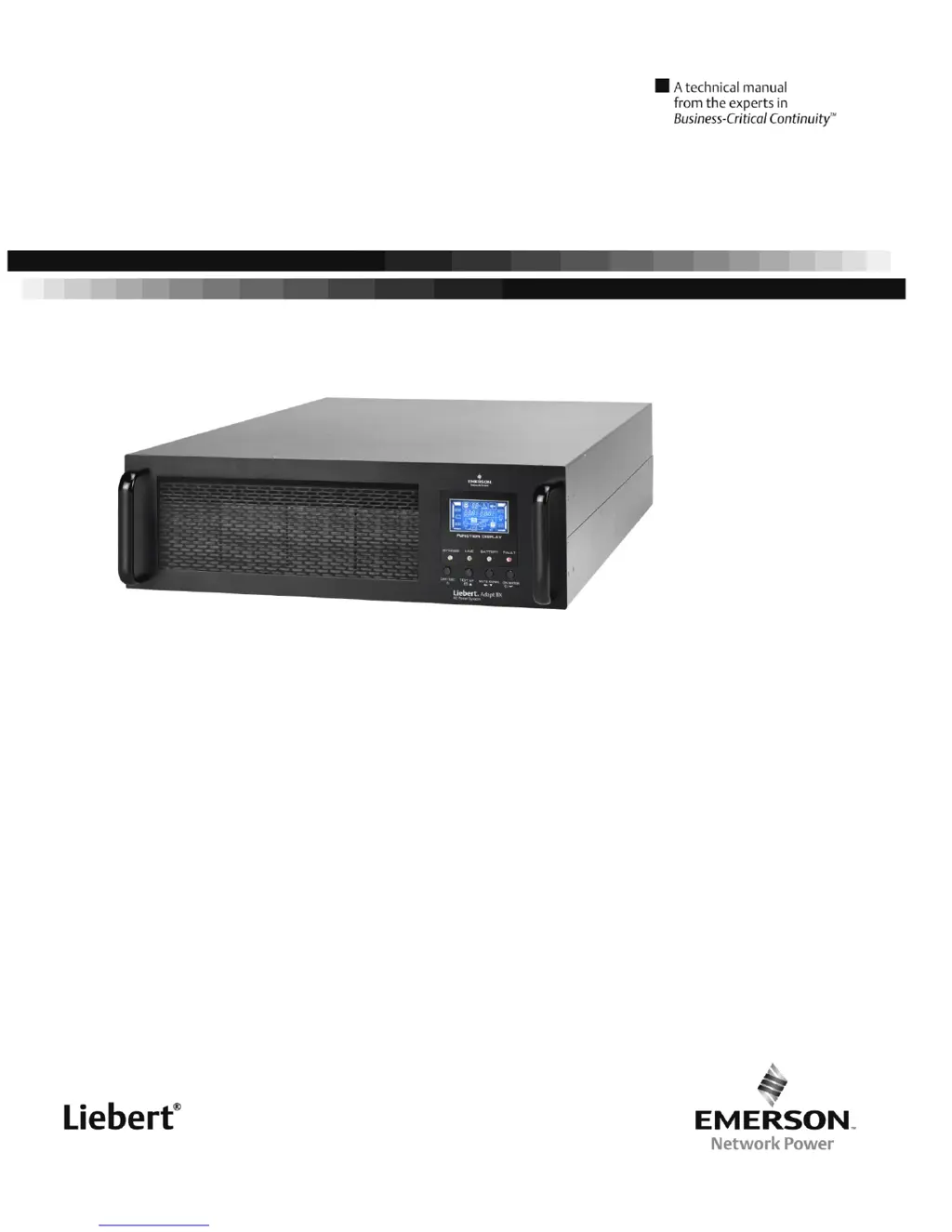
Liebert Adapt BX 6K - User Manual

Liebert Adapt BX 6K
27 pages
Print Icon
To Next Page IconTo Next Page
Loading...
Single Phase Online UPS
Liebert Adapt BX
User Manual 6k 10kVA

Questions and Answers

  • C
    Christine DrakeAug 14, 2025
    What to do if the Liebert Adapt BX 6K UPS is beeping twice every second?
    • J
      Jacqueline DavisAug 14, 2025
      If the Liebert UPS is overloaded, indicated by the icon flashing on the LCD and the alarm beeping twice every second, it means that the devices connected to the UPS are drawing more power than it can supply. This can also happen if the UPS is overloaded for a prolonged time, causing it to enter Bypass mode, where connected devices are powered directly from the mains. To resolve this: * Remove some of the connected devices to reduce the load on the UPS. * If the UPS is in Bypass mode due to repetitive overloads, first remove excess loads, then shut down the UPS and restart it.
  • M
    Miranda SanchezAug 17, 2025
    Why is the Liebert Adapt BX 6K UPS battery backup time so short?
    • B
      Brandi GarciaAug 17, 2025
      If the battery backup time of your Liebert UPS is shorter than expected, there are a couple of potential reasons. Either the batteries are not fully charged, or the batteries are defective. You can try charging the batteries for at least 7 hours to ensure they are fully charged and then check the capacity. If the issue continues, it may indicate a battery defect.
  • B
    Brian JonesAug 21, 2025
    What does fault code 43 mean on my Liebert UPS?
    • D
      Dr. Christopher AdamsAug 21, 2025
      If fault code 43 is displayed on your Liebert UPS, accompanied by a lit icon and continuous beeping, it indicates that the UPS has been overloaded for too long, resulting in a fault and automatic shutdown. To fix this, remove some of the connected devices to reduce the load on the UPS output and then restart it.
  • M
    Madison GrayAug 25, 2025
    What does fault code 14 mean on my Liebert UPS?
    • L
      Lynn AllenAug 26, 2025
      If fault code 14 appears on the LCD display of your Liebert UPS, the icon is lit, and the alarm beeps continuously, it means that the UPS has automatically shut down because a short circuit has occurred on the UPS output. You should check the output wiring and the connected devices to see if they are in a short circuit status.
  • H
    Heather CampbellAug 28, 2025
    How to disable EPO function on Liebert UPS?
    • S
      Sandra ScottAug 29, 2025
      If the icon and a warning code are flashing on the LCD display of your Liebert UPS, accompanied by an alarm beeping every second, it indicates that the EPO (Emergency Power Off) function is enabled. To disable the EPO function, set the circuit in a closed position.
  • J
    Jason GarnerSep 1, 2025
    What to do if Liebert Adapt BX 6K fan is not working?
    • P
      Priscilla PattonSep 1, 2025
      If the icon is flashing on the LCD display and the alarm beeps every second on your Liebert UPS, this could be because the fan is locked or not working, or the UPS temperature is too high. You should check the fans and notify your dealer.
  • S
    Sean JohnsonSep 5, 2025
    Why is there no display on my Liebert Adapt BX 6K?
    • T
      Tony YoungSep 5, 2025
      If there is no display or alarm on the front panel of your Liebert UPS, even when the mains power is normal, it may indicate that the AC input power is not properly connected. Check to ensure that the input cable is firmly connected to the mains.
  • J
    jandrewsSep 9, 2025
    What to do if fault code 1, 2, 3, 4, 11, 12, 13, 14,1A, 21, 24, 35, 36, 41,42or 43 is shown on Liebert Adapt BX 6K UPS?
    • R
      Roberto FrankSep 9, 2025
      If fault code 1, 2, 3, 4, 11, 12, 13, 14, 1A, 21, 24, 35, 36, 41, 42, or 43 is displayed on the LCD of your Liebert UPS and the alarm beeps continuously, it indicates an internal fault. In this case, contact your dealer.

Summary

Safety and EMC Instructions

Installation

Instructions and precautions for installing the UPS system, including wiring and grounding.

Installation and Operation

Single UPS Installation

Step-by-step instructions for installing a single UPS unit, including wiring specifications.

UPS Installation for Parallel System

Instructions for connecting multiple UPS units in parallel for increased capacity or redundancy.

Operations

Single UPS Operation

Procedures for operating a single UPS unit, including startup, connecting loads, and charging.

Parallel Operation

Instructions for setting up and managing UPS units operating in parallel.

Fault Code

List of fault codes, their icons, and associated fault events for troubleshooting.

Trouble Shooting

Liebert Adapt BX 6K Specifications

General IconGeneral
Input Voltage208/220/230/240 VAC
Output Voltage208/220/230/240 VAC
Output Power Factor0.9
Input Frequency50/60 Hz
Output Frequency50/60 Hz
Form FactorTower
TopologyDouble Conversion Online
Power6000 W
Battery TypeSealed Lead Acid
Communication PortsUSB, RS-232
Operating Temperature0°C to 40°C (32°F to 104°F)
Storage Temperature-15°C to 45°C
Humidity0% to 95% (non-condensing)
Weight60 kg
Capacity6 kVA / 5.4 kW

Related product manuals