EasyManua.ls Logo

Liebert GXT3-10000T230 - User Manual

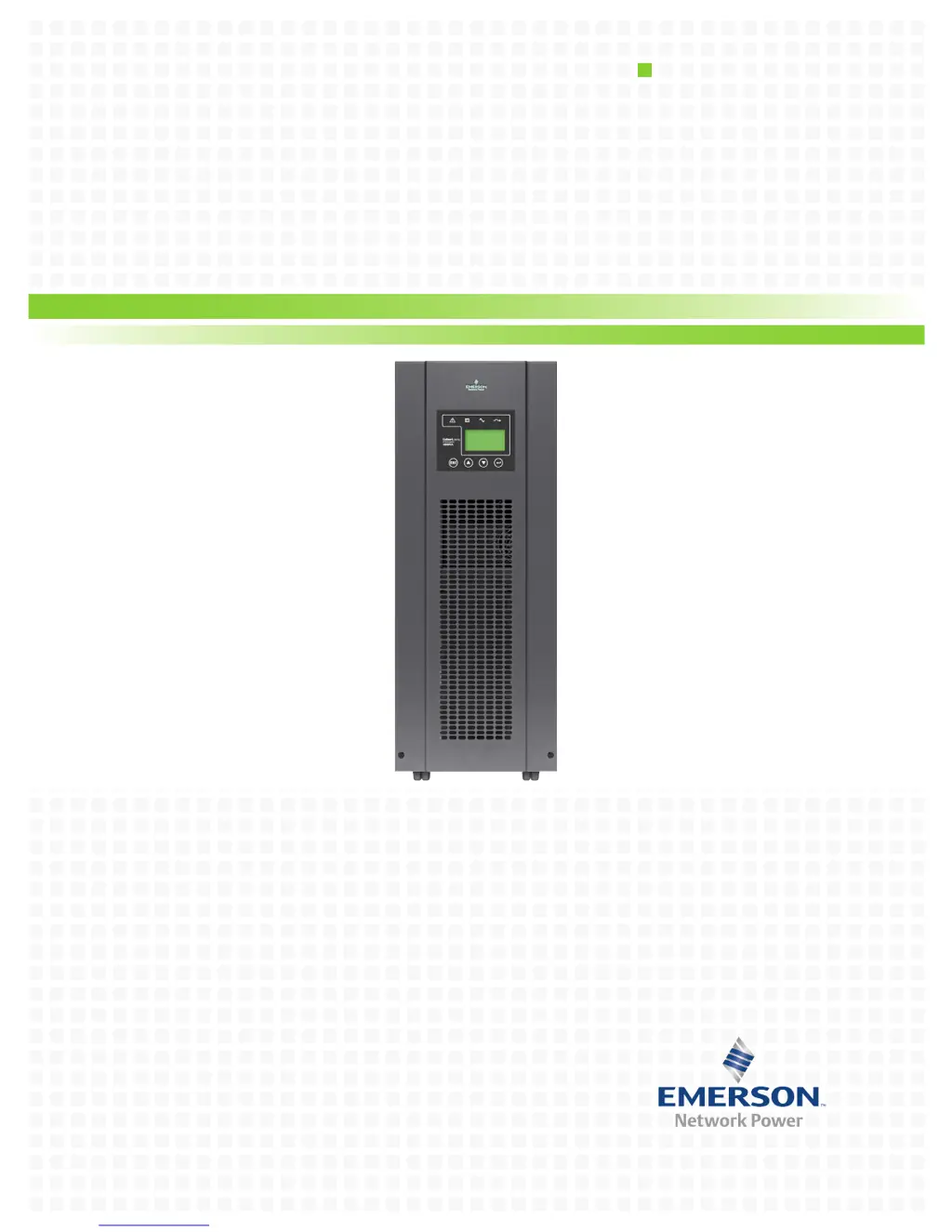
Liebert GXT3-10000T230
40 pages
Print Icon
To Next Page IconTo Next Page
Loading...
AC Power
For Business-Critical Continuity™
Liebert
®
GXT3-10000T230
User Manual–10kVA, 50/60 Hz, 230V

Table of Contents

Questions and Answers

  • D
    David BarberJul 31, 2025
    What to do if my Liebert GXT3-10000T230 displays an ‘OVERLOAD’ message?
    • M
      Mrs. Kim KimJul 31, 2025
      If the Liebert UPS displays an ‘OVERLOAD’ message, it indicates that there is an overload at the UPS output. To resolve this, reduce the load to the permissible value.
  • B
    Brian BlackAug 6, 2025
    Why is there no communication between my Liebert GXT3-10000T230 UPS and PC?
    • J
      Juan BrownAug 6, 2025
      If the Liebert UPS is not communicating with your PC, there might be several reasons: * The wrong serial connection cable is being used. Ensure that you are not using a standard modem or null modem cable. * The interface on the PC is being used by another process or is defective. Check if other software or services are accessing the interface; try selecting a different serial interface. * There is interference on the data cable. Try laying the cable differently or reinstalling the cabling.
  • K
    Kimberly AdamsAug 11, 2025
    What to do if the UPS on LED does not illuminate when mains voltage present on my Liebert GXT3-10000T230 UPS?
    • M
      Meghan ReynoldsAug 12, 2025
      If the UPS on LED does not illuminate when mains voltage is present and the audible alarm is active at intervals on your Liebert UPS, it indicates that the input fuse is defective or the input circuit breaker has tripped. Replace the fuse with one of the same type, or switch on the circuit breaker. If the problem continues, contact technical support.
  • J
    Joann WalkerAug 18, 2025
    How to fix a Liebert GXT3-10000T230 UPS with no display and no alarm?
    • C
      Cathy MolinaAug 18, 2025
      If the Liebert UPS has no display and no alarm, and the UPS is switched off, it could be due to several reasons: * The mains are switched off. Switch on the main breaker. * No mains voltage is present. Have the mains inspected by a qualified technician. * The input fuse is blown, or the input circuit breaker has tripped. Replace the fuse with the same type or switch on the circuit breaker. If the problem persists, contact technical support.
  • L
    Laura LynnAug 25, 2025
    Why is the UPS on LED not lighting up on my Liebert GXT3-10000T230?
    • E
      Erika DeleonAug 25, 2025
      If the UPS on LED does not light up and alarm beeps sound at intervals on your Liebert UPS, it means that no mains voltage is present. Refer to the UPS operation control panel.

Summary

1.0 Introduction and System Description

1.1 Device Overview

Overview of the Liebert GXT3-10000T230 and its available power ratings.

2.0 Unpacking the UPS and Site Preparation

2.1 Inspection

Instructions for inspecting the UPS for damage upon delivery.

2.3 Unpacking

Guidance on safely unpacking the UPS unit and its packaging.

3.0 Installation

3.1 Electrical Preparations

Pre-installation steps for electrical connections and safety.

3.2 Current Table and Suggested Cable Sizes

Details current ratings and recommended cable sizes for connections.

4.0 Operation

4.1 Normal Operating

Describes the normal operational status and procedures of the UPS.

4.1.1 Block Diagram

Illustrates the main components and signal flow within the UPS.

5.0 Maintenance

5.1 Testing, Replacing and Disposing of Batteries

Details procedures for battery maintenance, replacement, and disposal.

6.0 Communication

6.1 Communication Interface Port

Describes the available communication ports for UPS interaction.

6.2 Terminal Block

Explains the terminal block layout and its signal assignments.

7.0 Troubleshooting

8.0 Specifications

Liebert GXT3-10000T230 Specifications

General IconGeneral
ModelGXT3-10000T230
CategoryUPS
Input Voltage230 V
Output Voltage230 V
Form FactorTower
Number of Outlets8
TopologyDouble Conversion Online
Frequency50/60 Hz
DisplayLCD
Output Power Capacity10000 W
Battery TypeSealed Lead Acid
Typical Recharge Time4 hours
Communication PortsRS-232, USB
Operating Temperature0 to 40 °C
Storage Temperature-15 to 45 °C
Humidity0-95% (non-condensing)
Capacity10 kVA / 9 kW
Output Power Factor1
Runtime at Full Load5-10 minutes (varies by battery configuration)
Weight176 lbs (80 kg)

Related product manuals