EasyManua.ls Logo

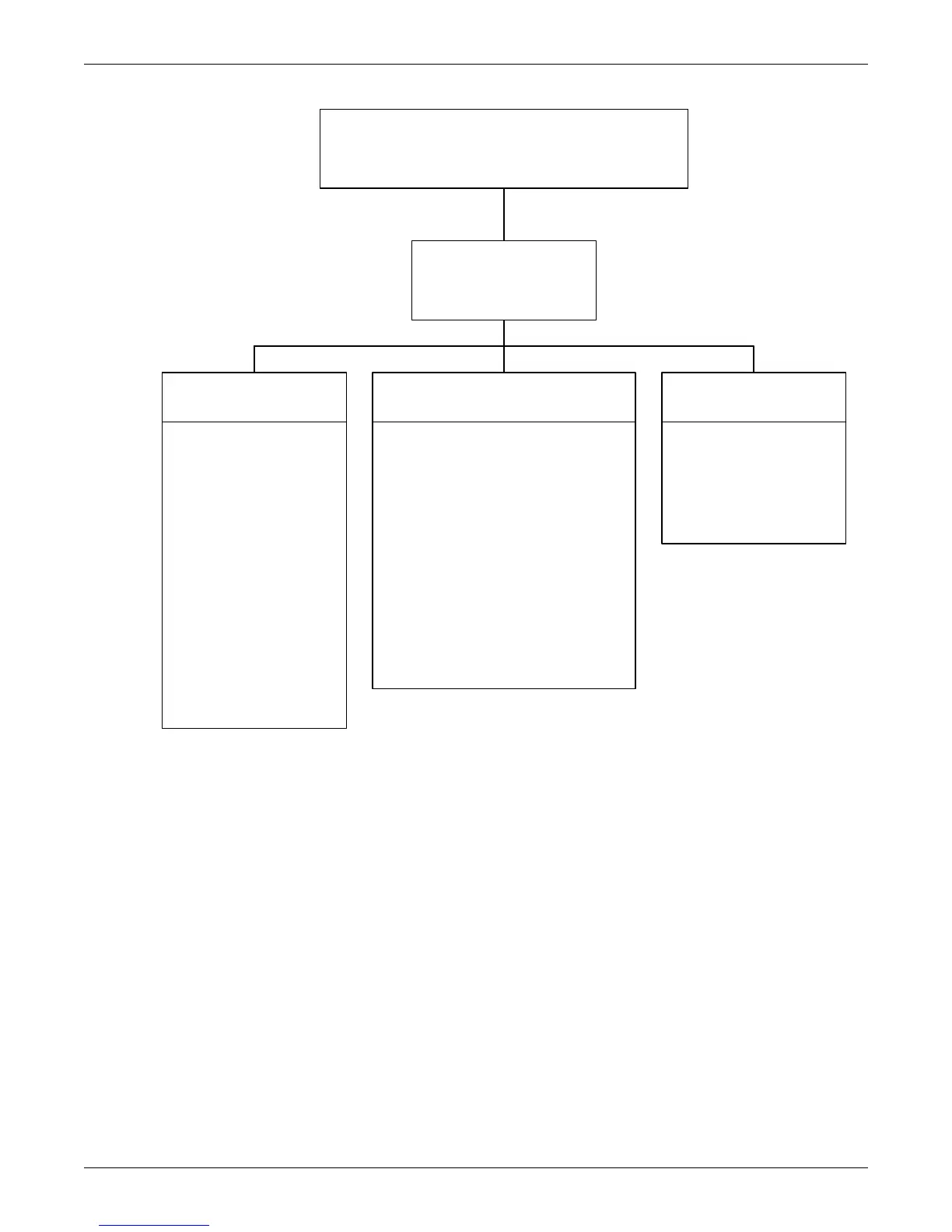
Liebert ICOM - Figure 6 Menu Tree-Large Display, Stand-Alone

Liebert ICOM
84 pages
Print Icon
To Next Page IconTo Next Page
To Previous Page IconTo Previous Page
Loading...
Liebert iCOM Display Components and Functions
7
Figure 6 Menu tree—Large display, stand-alone
Status Menu – System View
Status Menu
Unit 1 View
User Menu
Unit 1
Password
Setpoints
Spare Part List
Event Log
Graphics
View Network
Set Alarms
Sensor Data
Active Alarms
Display Setup
Total Run Hours
Sleep Mode
Service Contact Info
Service Menu
Unit 1
Password
Setpoints
Unit Diary
Standby Settings/Lead-Lag
Maintenance/Wellness Settings
Diagnostics / Service Mode
Set Alarms
Sensor Calibration/Setup
System/Network Setup
Options Setup
Service Contact Info
Advanced Menu
Unit 1
Password
Factory Settings
Compressor Info
Access Passwords
Unit 1 will be displayed
in the top left corner of
the screen.

Table of Contents