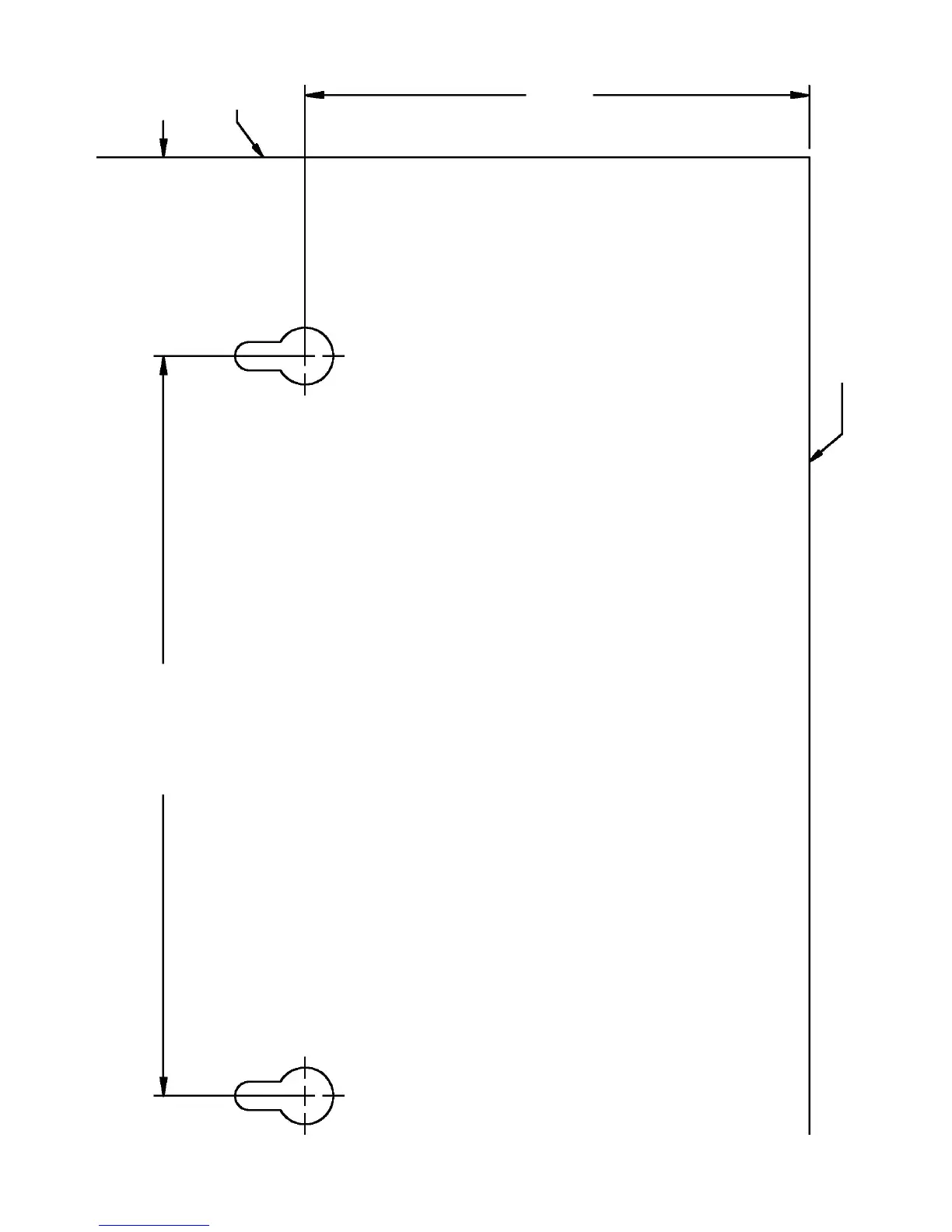
PowerSure PSP Mounting Template
1. Remove this template from the user manual.
2. Line template up to wall at desired location.
3. Drill holes where cross hairs are located on template.
4. Remove template and mount screws, using (3) #8 or M4 screws.
(Distance from head of screw to wall should be 0.25" or 6.4mm.)
5. Mount PowerSure PSP to wall.
Bottom of UPS
Rear
of UPS
3.49"
(88.6 mm)
5.12"
(130 mm)
1.38"
(35 mm)
SIDE VIEW OF POWERSURE PSP







 To Next Page