1
APP INSTRUCTIONS
.PCJMF"11%PXOMPBE
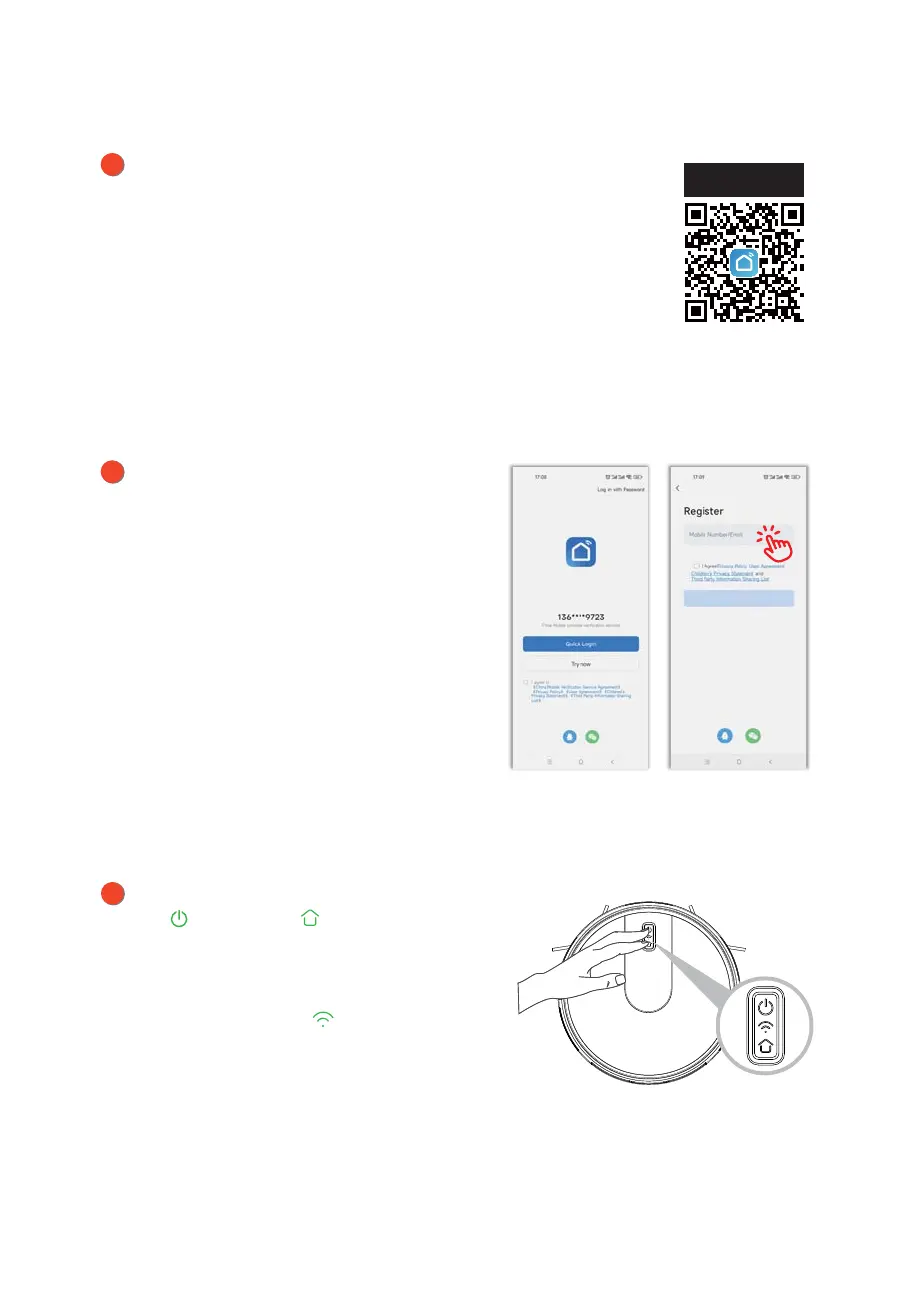
Open “Smart Life” App and register a
new account or use an existing
account.
WiFi fast connection: Press and hold
the button and button at the
same time for more than 3 seconds,
the robot will make a “beep” warning
sound,release the button, the blue
indicator light of the button will
flash quickly, the robot is in WiFi fast
connection mode.
Download the App by scanning the QR code with your cell
phone or Search for "Smart Life" in the mobile app market
and download the app. Before using this function make
sure your cell phone has been connected to WiFi.



 To Next Page