Wellness Recovery 13 12 Axis User Manual Lifepro
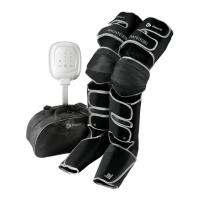
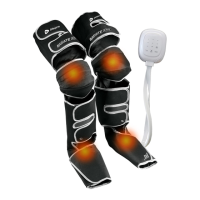
USING YOUR AXIS AIR COMPRESSION LEG MASSAGER
To begin a default massage (Mode A, at 50mmHg pressure for 10 minutes):
1. Press the Power button to turn on the controller. The OLED display will
show the Welcome Screen, then the Main Screen.
2. Press the Start/Stop button to start the default massage.
To begin a custom massage:
1. Press the Power button to turn on the controller. The OLED display will
show the Welcome Screen, then the Main Screen.
2. Press the Mode button to toggle through the five modes:
Mode A: Air chambers inflate and deflate one at a time. When the first
air chamber is fully inflated, it begins to deflate as the second
chamber inflates. The second deflates as the third inflates, and so
on. Repeats cyclically.
Mode B: Each air chamber inflates, one at a time, until all eight are
inflated. Then all eight air chambers deflate together. Repeats
cyclically.
Mode C: Two air chambers inflate and then deflate at a time. When the
first two chambers are fully inflated, they begin to deflate as the
third and fourth chambers inflate. The third and fourth chambers
deflate as the fifth and six chambers inflate, and so on. Repeats
cyclically.
Mode D: Two air chambers inflate at a time until all eight are inflated.
Then all air chambers deflate at the same time. Repeats cyclically.
Mode E: Every other air chamber inflates, then deflates, one at a time.
Once the first air chamber is fully inflated, it begins to deflate as
the third chamber inflates. The third deflates as the fifth inflates,
the fifth deflates as the seventh inflates, and so on. Repeats
cyclically.
3. Press the Pressure button to toggle through the presets, 50, 100, 150,
200, and 250 mmHg.
4. Press the Time button to toggle through the presets, 10, 20, 30, 40,
and 50 minutes.
5. Press the Start/Pause button to begin the massage.
6. Press the Start/Pause button at any time during the massage to pause
it. Press the Start/Pause button again within one minute to restart the
massage. After one minute, the controller will automatically shut down.
7. Press and hold the Power button for two seconds to power off.
8. Always power off and unplug the device after each use.
9. Allow the boots to deflate before unzipping and removing them. Be
sure to remain seated when removing the boots from your legs.
10. After removing the boots, gently squeeze each one to release any
remaining air.
11. Allow the boots to completely cool before cleaning or storing.
NOTES:
• The mode, massage time, and air pressure level can be changed at any
time during the massage.
• The controller will automatically shut down if paused for longer than
1 minute.
• For best results, do not use continuously for more than 1 hour.
REMOVING THE COMPRESSION BOOTS
It is crucial to power off and remove the compression boots in the correct
order to avoid damaging them:
1. Press and hold the Power button on the controller for two seconds to
power off the device.
2. Allow the compression boots to completely deflate before removing.
3. Remain seated while you unzip and remove the boots from your legs.
STORING THE COMPRESSION BOOTS
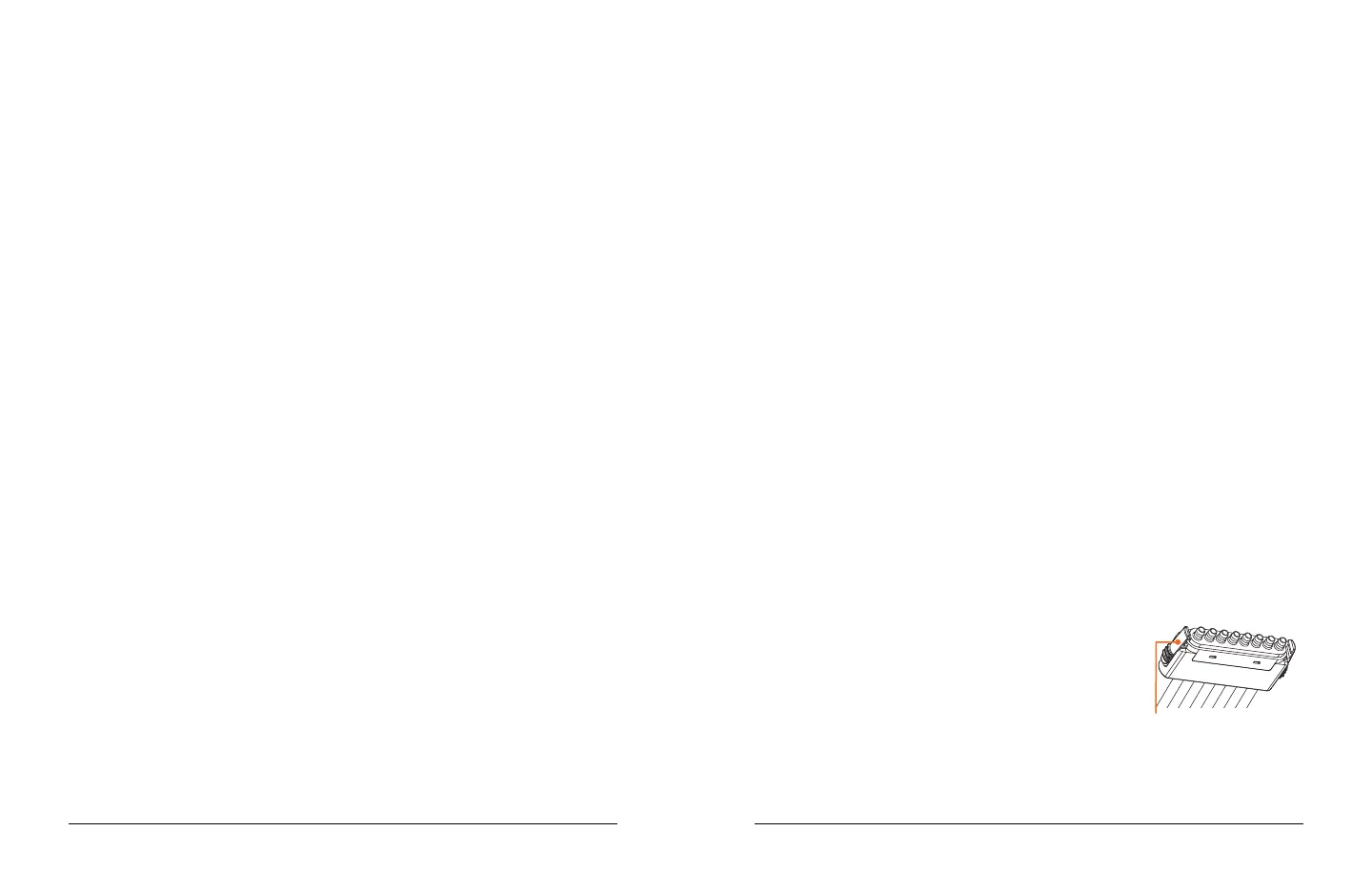
For storage, it is important to disconnect the air
hoses and hose adapter from the controller:
1. Press the release clips on either side of each air
hose connector to disconnect it from the hose
adapter.
2. Press the release clips on either side of the hose adapter to disconnect
it from the base of the controller.
NOTE: Always allow the boots to completely cool before storing.
Release Clips (2)



 To Next Page