do not support direct phone projection viewing, please exit mobile phone direct projection and use video direct
projection function)
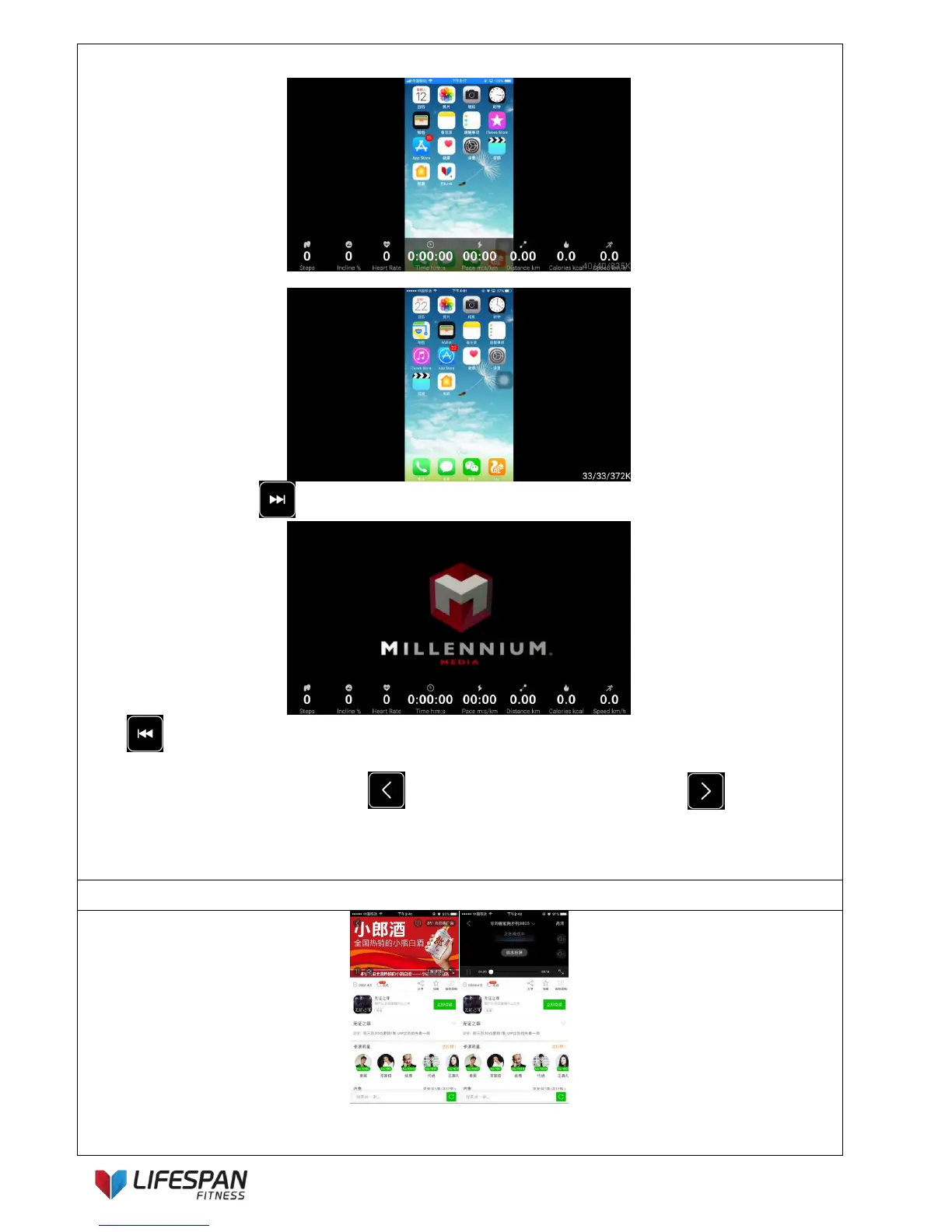
The mobile phone screen will be synchronized to the treadmill screen after projection to the treadmill.
Press “NEXT SONG” button to eliminate treadmill parameter column.
Press “LAST SONG” button to open the movement parameter column (you can also use the speed increase
or decrease buttons or speed shortcut buttons to open the movement parameter column during exercise), when
using "video direct projection", you can use "LEFT" button to rewind the video and use "RIGHT" button
to fast forward the video.
Note: The system version, hardware performance and current network signal are the factors that could affect the
implementation of the screen projection. When the screen projection is completed, content of the mobile phone will
be synchronized to the treadmill screen.
Open a third-party online video (such as YouTube, Netflix, etc.) on a mobile phone, click on the corresponding icon
(TV projection icon), and then click on the name of the projection device to realize a direct video projection to the
treadmill screen.



 To Next Page