#5 Allen Wrench 5mm: 1pc
#6 Allen wrench 6mm: 1pc
Wrench w/screw Driver S=13, 14, 15: 1pcs
Notice: Do not get connect power until after assembly is completed.
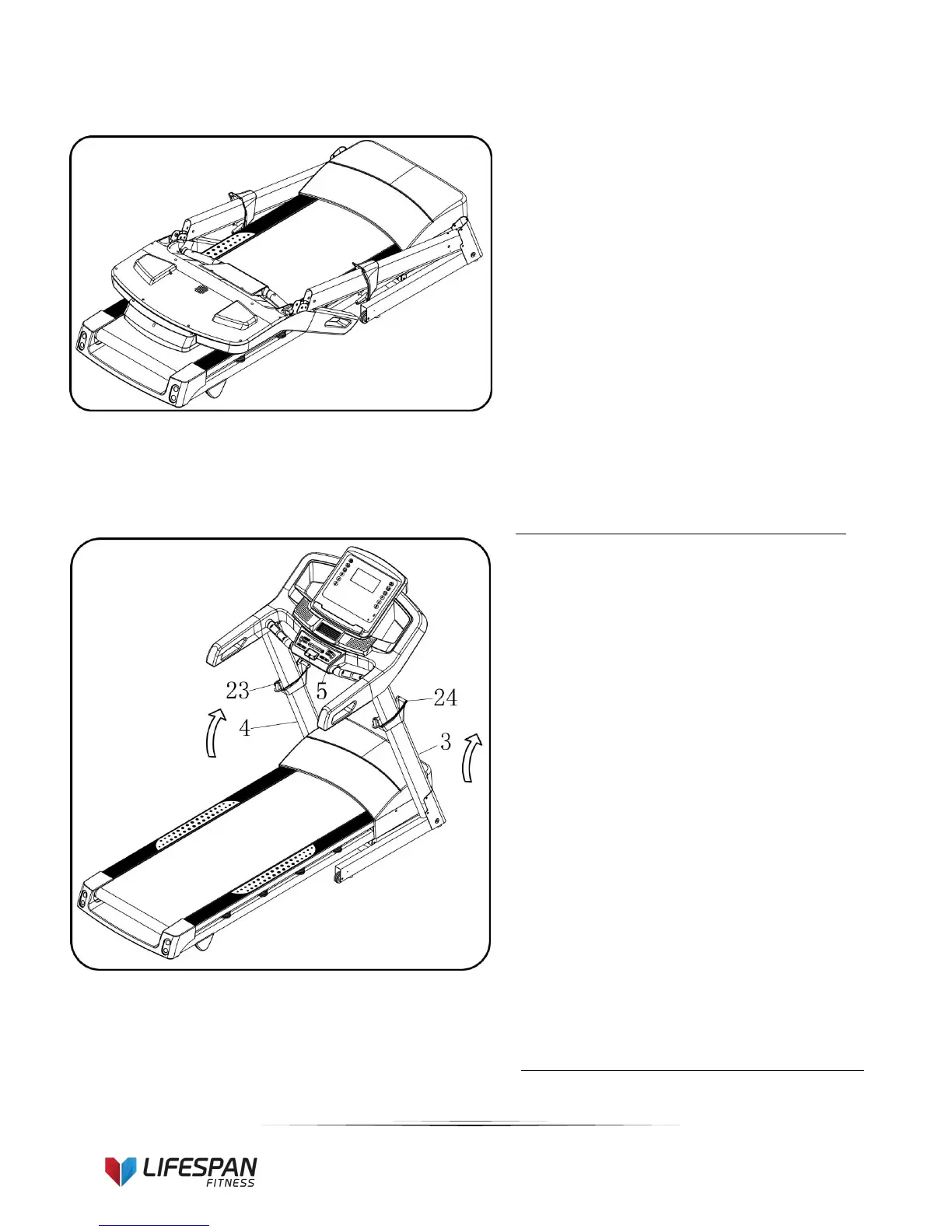
STEP 1:
STEP 2:
1. Erect the computer as shown in the
diagram. Using the 5# Allen wrench,
attach the Computer frame to the Left
and Right Upright securely with Bolt
M8*20(66) and Lock washer(82).
Note: Please do not damage the upright cover
and press the connect wire in upright when
pushing up



 To Next Page