EasyManua.ls Logo

LifeSpan VIPER - User Manual

LifeSpan VIPER
44 pages
Print Icon
To Next Page IconTo Next Page
Loading...
NOTE: This manual may be subject to updates or changes. Up to date manuals are available through our website at www.lifespanfitness.com.au
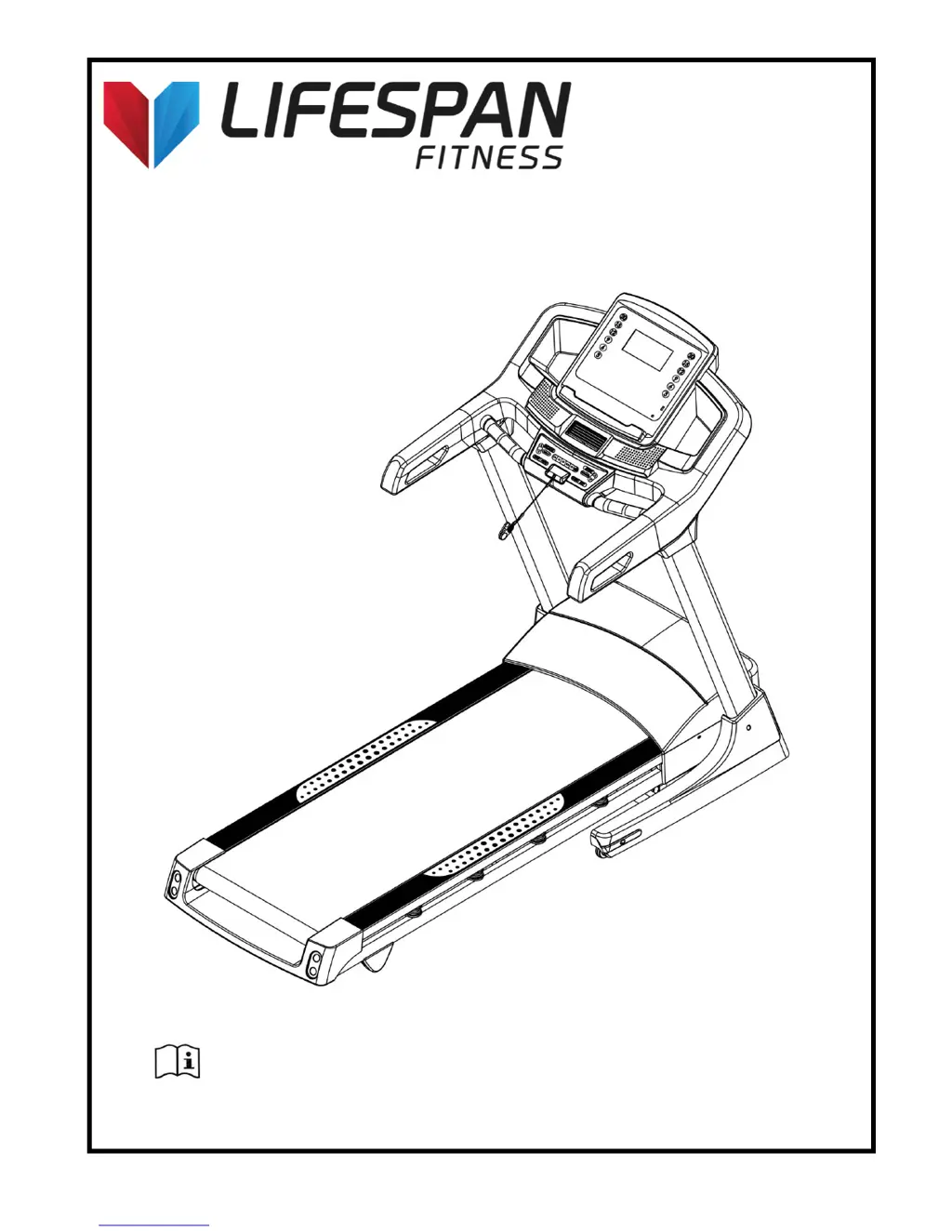
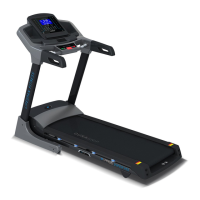
Product may vary slightly from the item pictured due to model upgrades
Read all instructions carefully before using this product. Retain this owner’s manual
for future reference.
VIPER OWNER’S MANUAL

Questions and Answers

  • Z
    Zachary RodriguezJul 26, 2025
    What to do if my LifeSpan VIPER shows E3 error for overload protection?
    • T
      theodore66Jul 27, 2025
      If your LifeSpan Treadmill displays an E3 error, it indicates overload protection. The system restarts to prevent damage. Check for potential causes like the treadmill getting stuck due to a lack of lubricant. Also, inspect the motor for signs of overwork or a burning smell, and check the control board for a burning smell. If the motor or control board seems damaged, consider replacing them.
  • E
    edwinwelchJul 30, 2025
    What to do if my LifeSpan Treadmill computer is not functioning after connecting power?
    • T
      Tracy WeaverJul 30, 2025
      First, check if the overload protect jump has tripped; if so, press it to continue operation. Ensure the wires of the power switch, overload protection, control board, and transformer are correctly connected. Verify the connection from the computer to the control board, checking each wire and ensuring they are fully plugged in. If any wires are damaged, replace them. Finally, check the transformer's condition; if it's broken, replace it.
  • P
    Patricia RodgersAug 4, 2025
    What does it mean when my LifeSpan VIPER Treadmill displays E1 message failure, and how to fix it?
    • L
      Linda FosterAug 4, 2025
      An E1 message failure on your LifeSpan Treadmill typically indicates that the wires connecting the computer and the bottom control board are not properly connected. Check each wire and replace any that are damaged. Also, check the condition of the transformer; if it is broken, replace it.
  • J
    Joseph BrownAug 8, 2025
    What does E4 error on LifeSpan Treadmill mean and how can I fix it?
    • E
      Evan MorganAug 8, 2025
      An E4 error on a LifeSpan Treadmill indicates an incline sensor error. Check the connection of the incline motor wires and ensure the AC wire of the incline motor is properly connected to the control board with the correct sign. Inspect the connection line of the incline motor for damage and replace it or the incline motor if necessary. After checking, press the 'learning' button on the bottom control board to relearn.
  • T
    Tonya RodriguezAug 12, 2025
    What does E2 error mean on LifeSpan VIPER Treadmill and how to resolve it?
    • M
      Matthew WilsonAug 12, 2025
      The E2 error on your LifeSpan Treadmill indicates no sensor signal. Check the sensor plug connection. If the magnetic speed sensor is broken or damaged, reconnect the plug securely or replace the sensor.
  • S
    Susan KimAug 17, 2025
    Why is the motor on my LifeSpan Treadmill not functioning after pressing the START button?
    • J
      Julie WrightAug 17, 2025
      The motor may not function due to several reasons: the motor wire could be damaged or not properly connected, the safety pipe might be broken or has fallen off, or the IGBT on the bottom control board could be burnt out. Please test these reasons and change the relevant part.
  • M
    Michael JonesAug 21, 2025
    What does E6 error mean on LifeSpan Treadmill?
    • G
      Gregory HarrisAug 21, 2025
      An E6 error on your LifeSpan Treadmill indicates a burst clash. Ensure the power supply is correct. If the bottom control board is burnt out, replace it and then reconnect the motor wire.

Summary

Important Safety Instructions

Initial Setup and Operation

Electrical Safety Information

Critical safety guidelines regarding electrical connections and usage of the treadmill.

Key Operating Instructions

Essential instructions for safe and effective operation of the treadmill.

Folding Instructions

Operation Guide

Safety Key Operation

Explains the function of the safety key and its role in operation.

Maintenance Instructions

Belt, Deck, and Roller Lubrication

Procedure and schedule for lubricating the treadmill's belt, deck, and rollers.

Adjusting the Running Belt

Instructions on how to adjust belt alignment and tightness for optimal performance.

Motor Brush Replacement

Step-by-step guide for replacing worn motor brushes in the treadmill.

Trouble Shooting Guide

LifeSpan VIPER Specifications

General IconGeneral
BrandLifeSpan
ModelVIPER
CategoryTreadmill
LanguageEnglish

Related product manuals