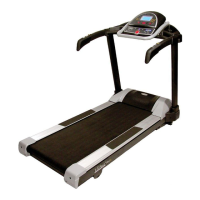
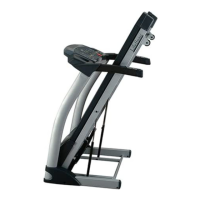
9. SAFETY LOCK FUNCTION
Pull out the safety pulling rope, then the treadmill will stop immediately. All the windows display“―――”,the
buzzer will make 3 sound “B—B—”, now the treadmill must be stop. Attach the magnet end of the safety key to
the computer, the treadmill will be at the beginning of running.
10. SLEEP FUNCTION
Stopped for more than 10 minutes without any operation, the system completed all showed off into the body of
sleep state. Press any key to wake up.
11. MP3 FUNCTION
Put the outside equipment(as:MP3)into the mp3 wire to the MP3 input. So it could play the music.
ATTENTION: Before exercise, to check whether load the power and the safety lock is valid.
Appeared the abnormalities during movement, can pull off the safety lock, the treadmill will quickly decelerate to
stop; then put safety locks, the device is reset, waiting for input instructions.
If any questions of the treadmill. Please contact your dealer, non-professionals, do not attempt to disassemble or
repair, in order to avoid equipment damage.


 To Next Page