101
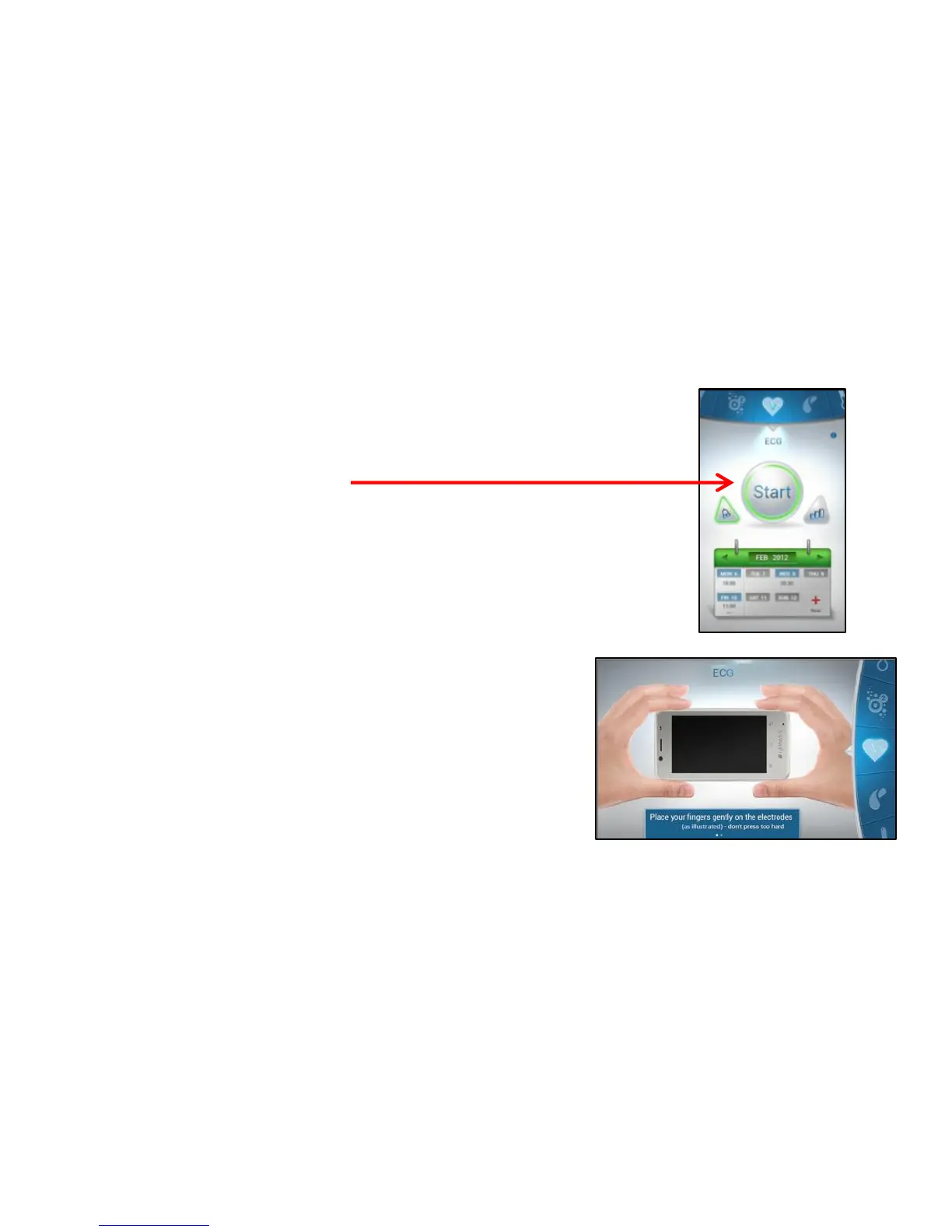
Start the Test
Use the scroll wheel to cycle between the various tests.
1. To start the test press Start.
The screen rotates to the horizontal mode,
please hold the LifeWatch V horizontally.
NOTE: The ECG test is shown as an example.
2. Follow the on-screen instructions
(place fingers on the three electrodes).



 To Next Page