37
Phone Calls
Dialer Screen
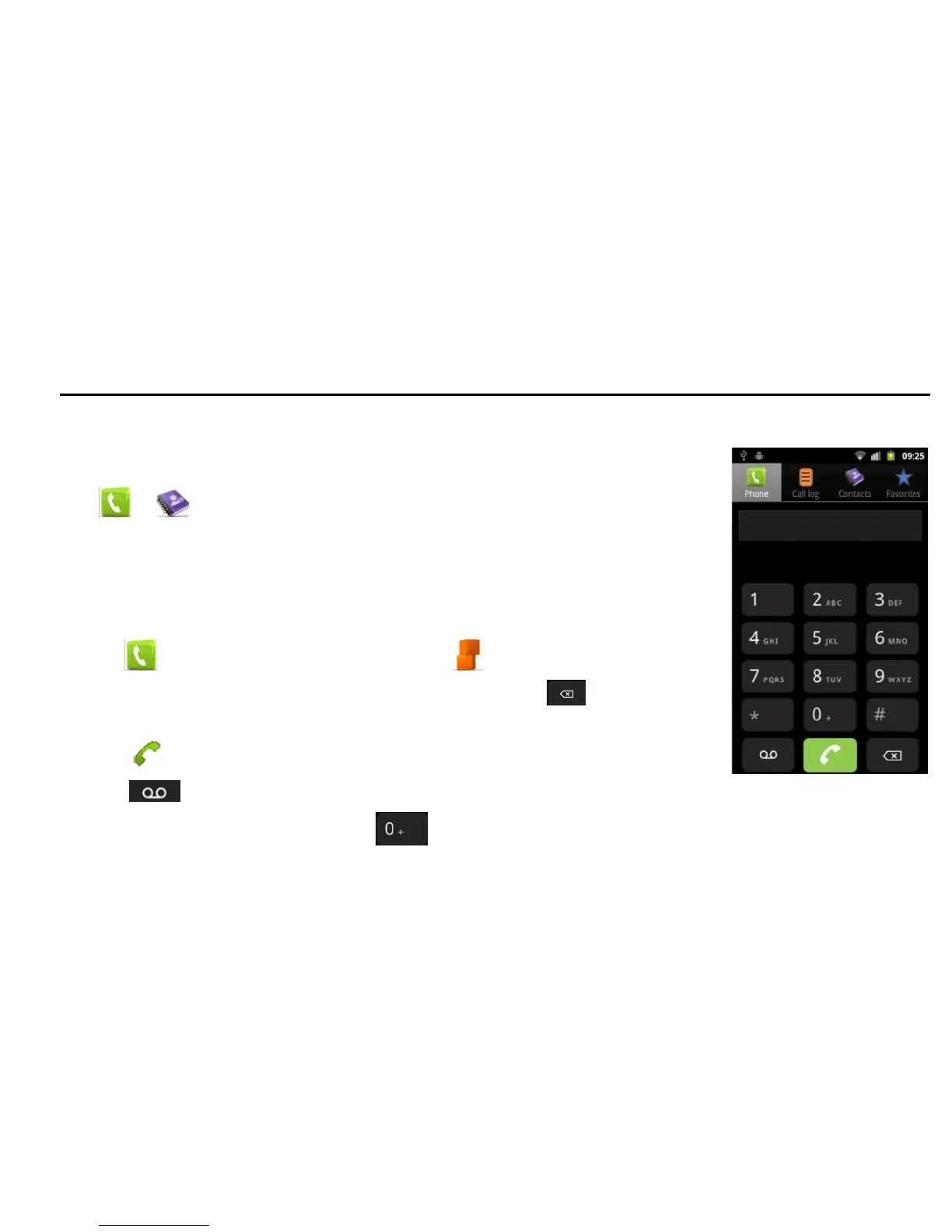
This screen is used for phone call actions.
Tap or on the Home Screen to open the dialer.
You can select dialing, check voicemail, view call log, contacts and favorite
numbers.
Making Calls
Calling from the Dialer
1. Tap on the Home Screen or tap Home > > Phone.
2. Enter the phone number with the on-screen keypad. Tap to delete
wrong digits.
3. Tap to initiate the call.
4. Tap to dial to your voicemail.
TIPS: To make international calls, hold to enter the “+”.



 To Next Page