95
Control Solution Test
Why Use the Control Solution?
Ensure that your LifeWatch V and LifeWatch V Test Strips are working together properly.
Practice testing without having to use your own blood.
Perform Control solution tests when:
First receive your LifeWatch V.
You feel your LifeWatch V or test strips are not working properly.
You feel your test results are not accurate.
After dropping or damaging your LifeWatch V or exposing it to liquids.
Your healthcare professional advises you perform the test.
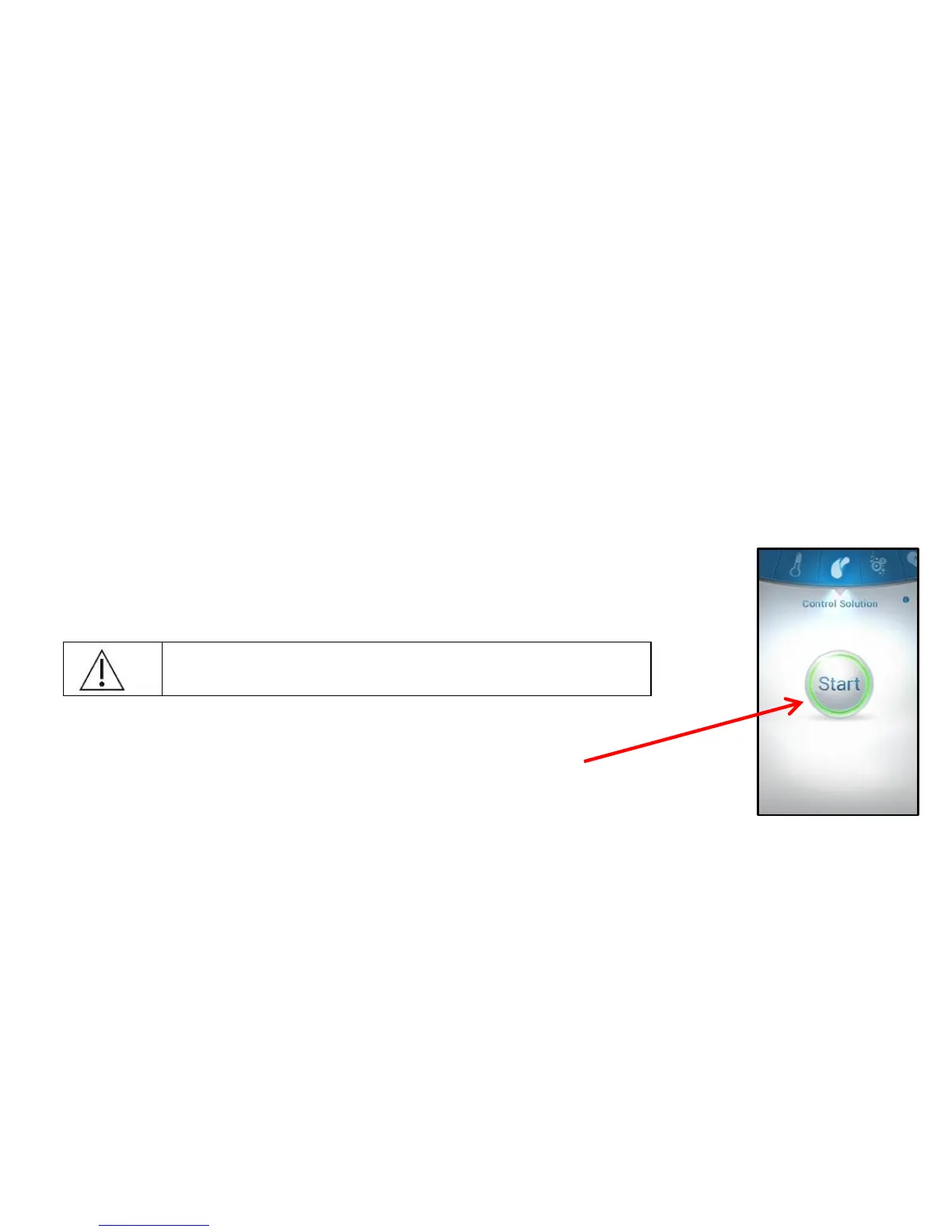
4. Select the Control Solution test from the options menu.
5. The following screen appears. To start the test press Start.
6. The screen rotates to the horizontal mode, please hold
the LifeWatch V horizontally.



 To Next Page