30
Home Screen
You can modify your Home Screen.
Set your own wallpaper, add the widgets or application shortcuts you need, or
remove them as you like.
Extended Home Screen
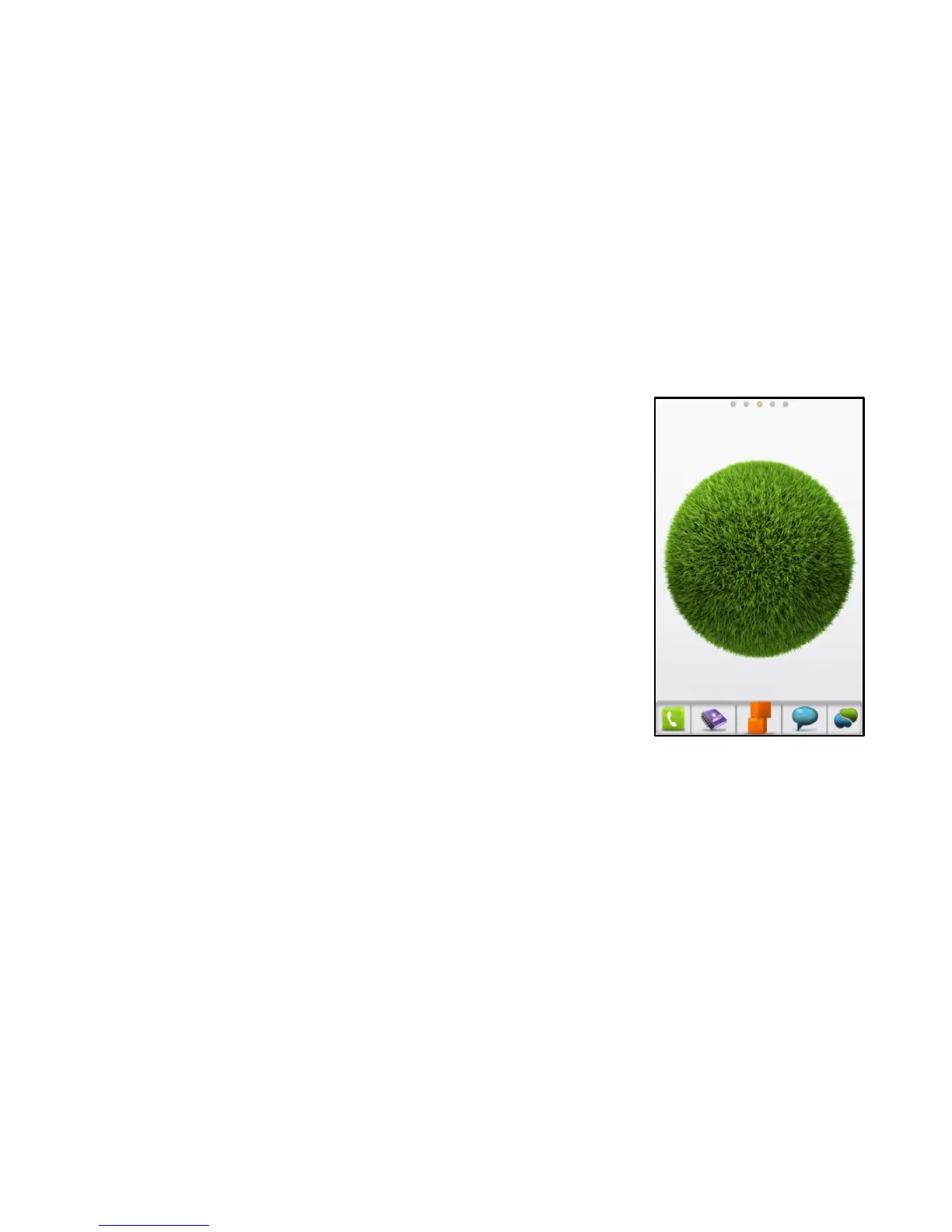
The Home Screen extends beyond the screen width, giving you lots more
space to add more stuff. Simply slide your finger to the left or right to see the
extended Home Screen.
Changing Your Wallpaper
1. Tap Home to return to the Home Screen.
2. Tap Menu and select Wallpaper.
3. Tap Gallery, Live wallpaper, or Wallpaper and choose the
image or animation you want to use as the wallpaper. Some
cropping may be needed for Gallery images.
4. Tap Save or Set wallpaper.



 To Next Page