59
4. If required, enter your PIN and tap OK.
If a PIN is required, the same PIN should be entered on the other device.
Making the Most of Multimedia
Taking Pictures with Your Camera
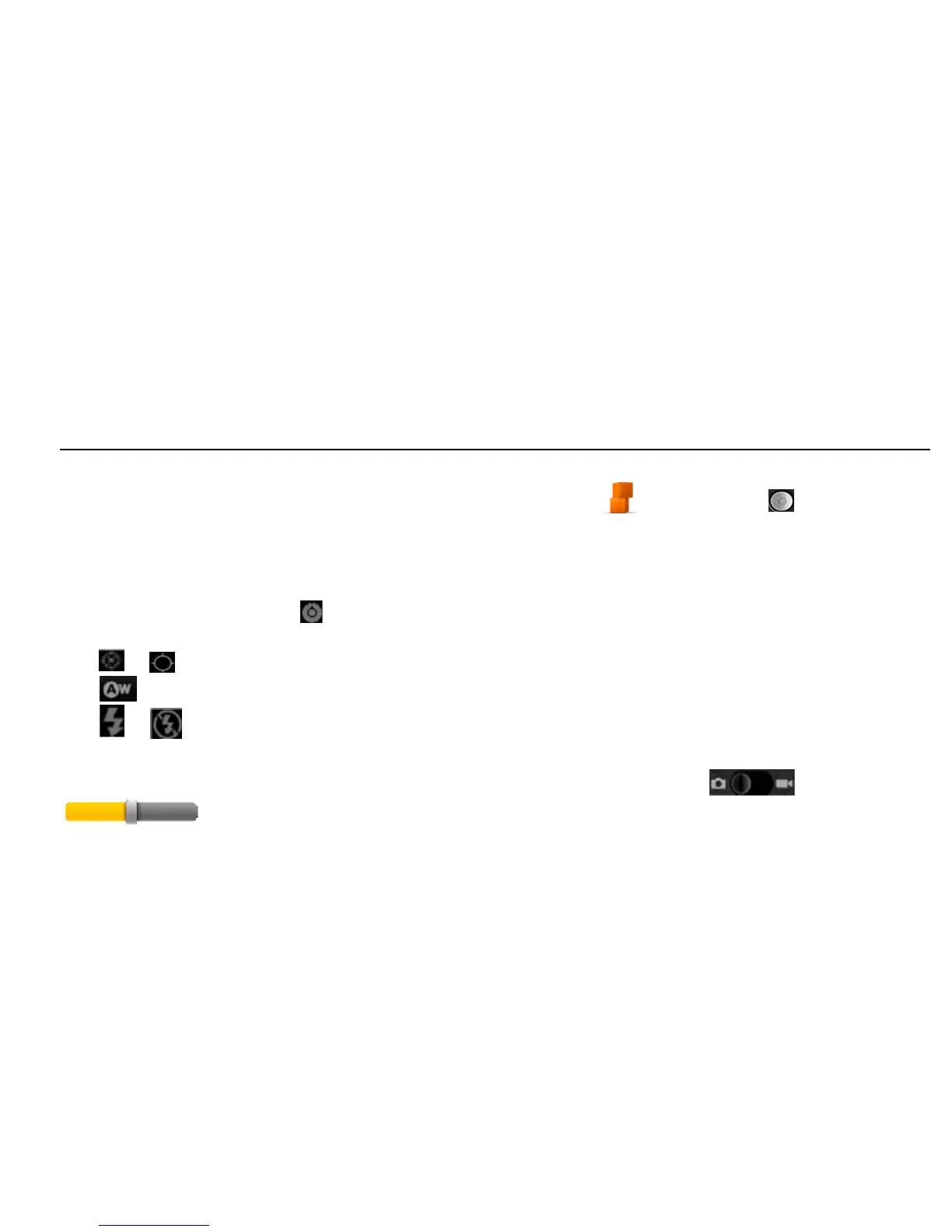
Your device has a 5-megapixel camera. Open it by tapping Home > > Camera. Tap to take a
picture. To view it, just tap the picture in the right corner of the screen. Or select Menu > Gallery to view
your pictures.
Adjusting Camera Settings
From the Camera Screen tap to set up focus mode, exposure, picture size/quality, color effect, ISO, anti-
banding, saturation, contrast, sharpness, and to restore camera settings.
Tap or to choose whether to save the photo’s geographic location.
Tap to change the white balance.
Tap or to turn on or off flash.
Tap 1x to zoom in or out.
TIPS: To change quickly from camera to camcorder or vice versa, use the switch icon. Use the
bar to adjust the brightness.



 To Next Page