86
Performing Tests
The screen automatically goes to the last test type. Use the scroll-wheel to cycle between the various tests.
NOTE: see page 107 for instructions on changing the glucose measurement units.
Blood Glucose Test
Be sure to read carefully this section, the test strip insert and the lancing device insert found in the Gluco kit
before testing. Make sure you have all items needed to test:
LifeWatch V, Test Strips, Lancing Device, and Sterile Lancet
Wash and dry your hands.
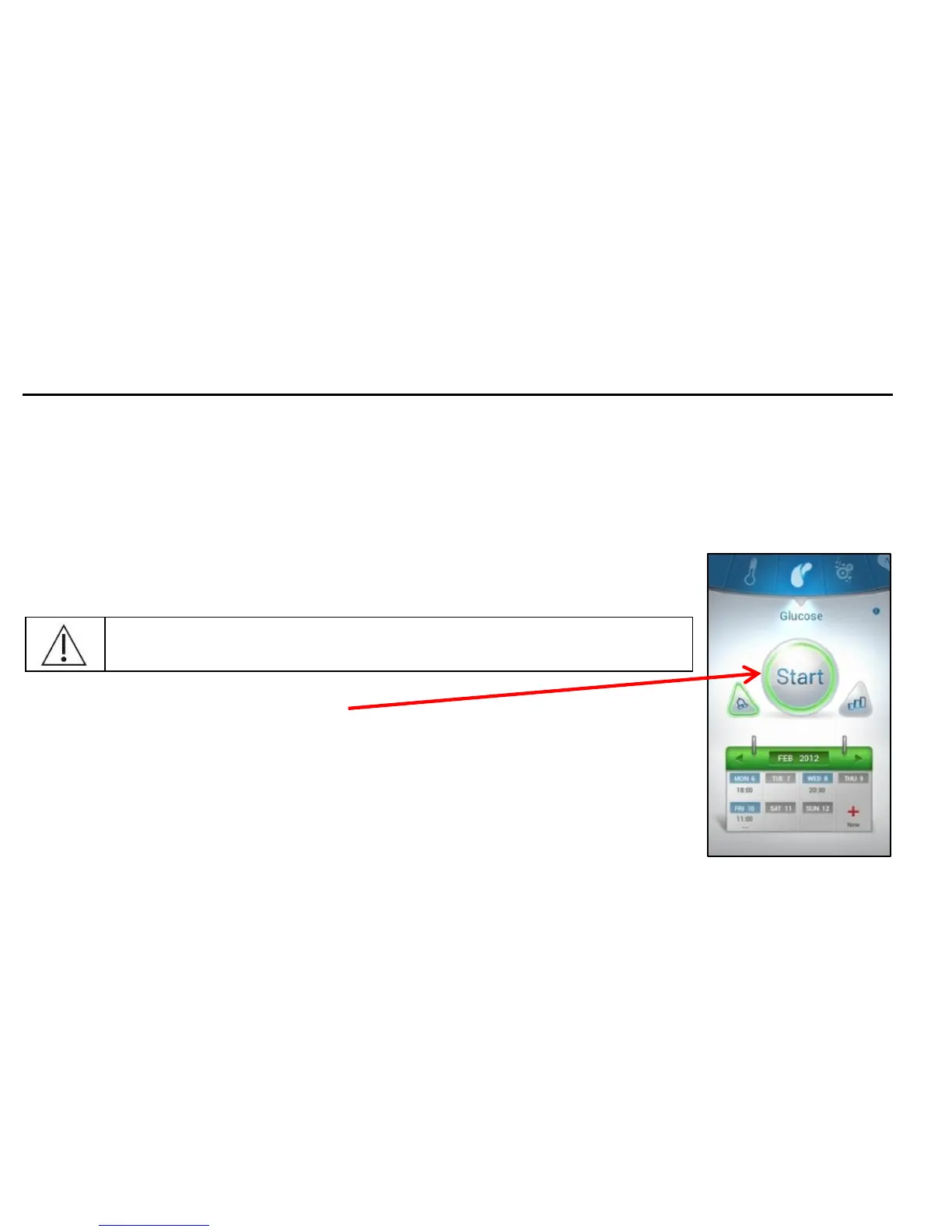
1. To start the glucose test press Start.
The screen rotates to the horizontal mode, please hold the LifeWatch V horizontally.



 To Next Page