Manage your applications.
Manage your accounts and configure synchronization settings.
Configure privacy settings, such as back-up and restoration, and personal data.
Check available memory on the external card and on the internal device storage.
Set operating system language, region and text input options.
Set up voice recognition and text-to-speech options.
Set up accessibility options after installing accessibility-related applications.
Set the date, time, time zone, and date/time format.
View device status, battery use, and legal information. You can also check for system
updates.
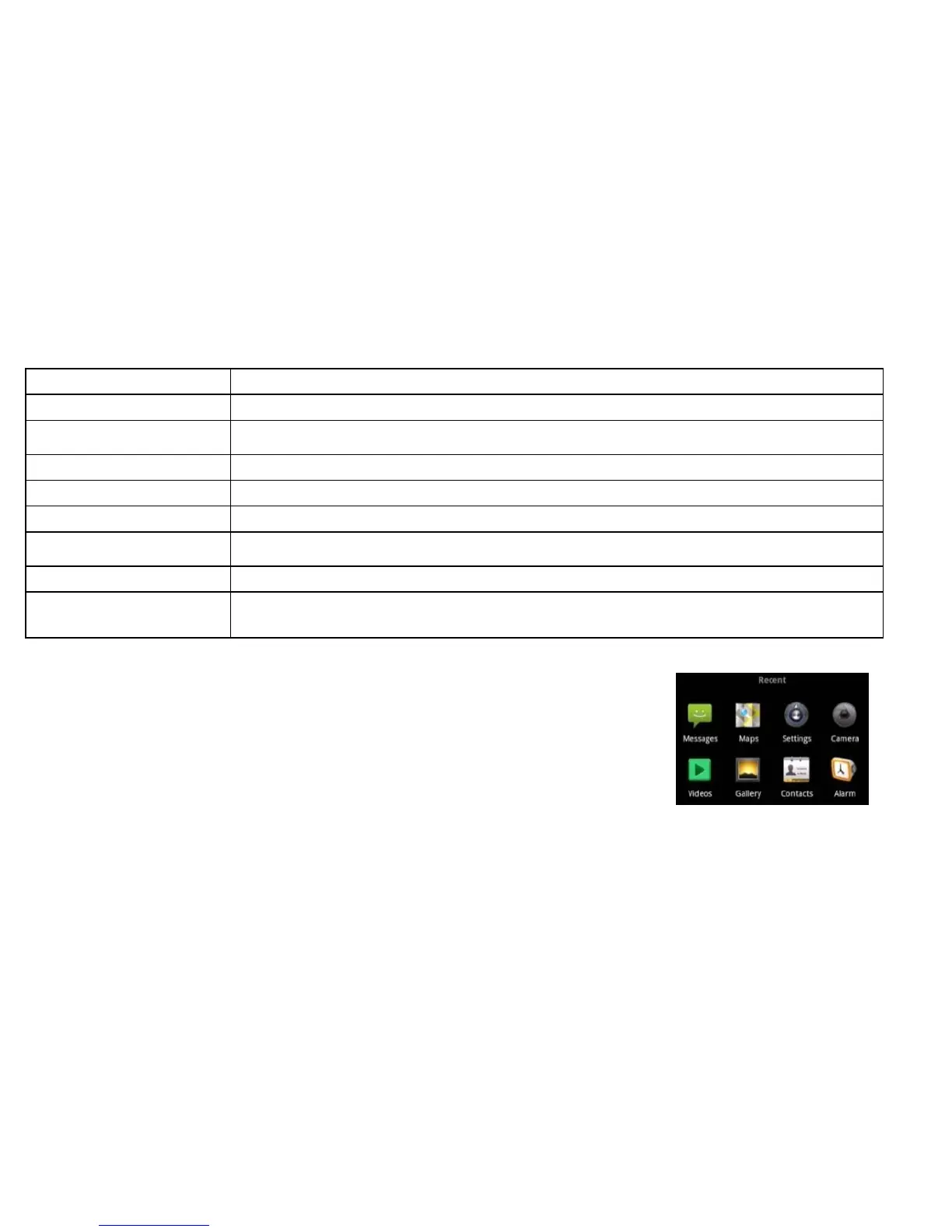
Opening Recently-Used Applications
1. Hold Home from any screen. The device displays application icons
you have recently used.
2. Tap the application you want to open.



 To Next Page