EasyManua.ls Logo

LifeWatch V - Page 33

LifeWatch V
136 pages
Print Icon
To Next Page IconTo Next Page
To Previous Page IconTo Previous Page
Loading...
33
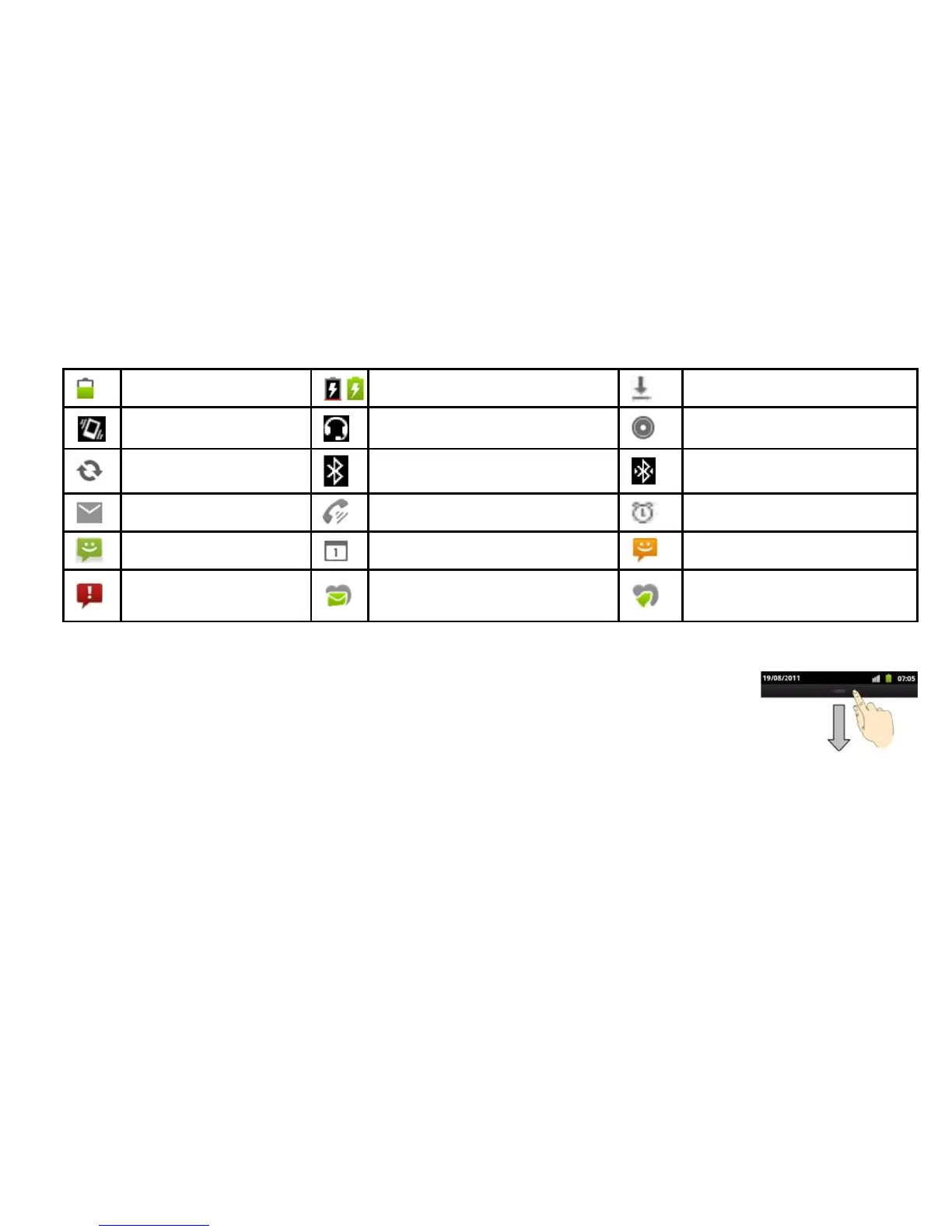
Battery partially drained
Battery charging
Downloading data
Vibrate mode
Wired headset
Song is playing
Syncing
Bluetooth on
Bluetooth connected
New mail
Speaker on
Alarm set
New MMS
Upcoming event
New SMS
Problem with
SMS/MMS delivery
ECG result notification icon
Reminder notification icon
Using the Notification Panel
Flick the status bar downwards from across the top of the screen to open the
Notification Panel, where you can see your calendar events, new messages, and
current settings such as call forwarding or call status.
TIPS: You can also open the Notification Panel by tapping Menu > Notifications from the Home Screen.


Table of Contents