63
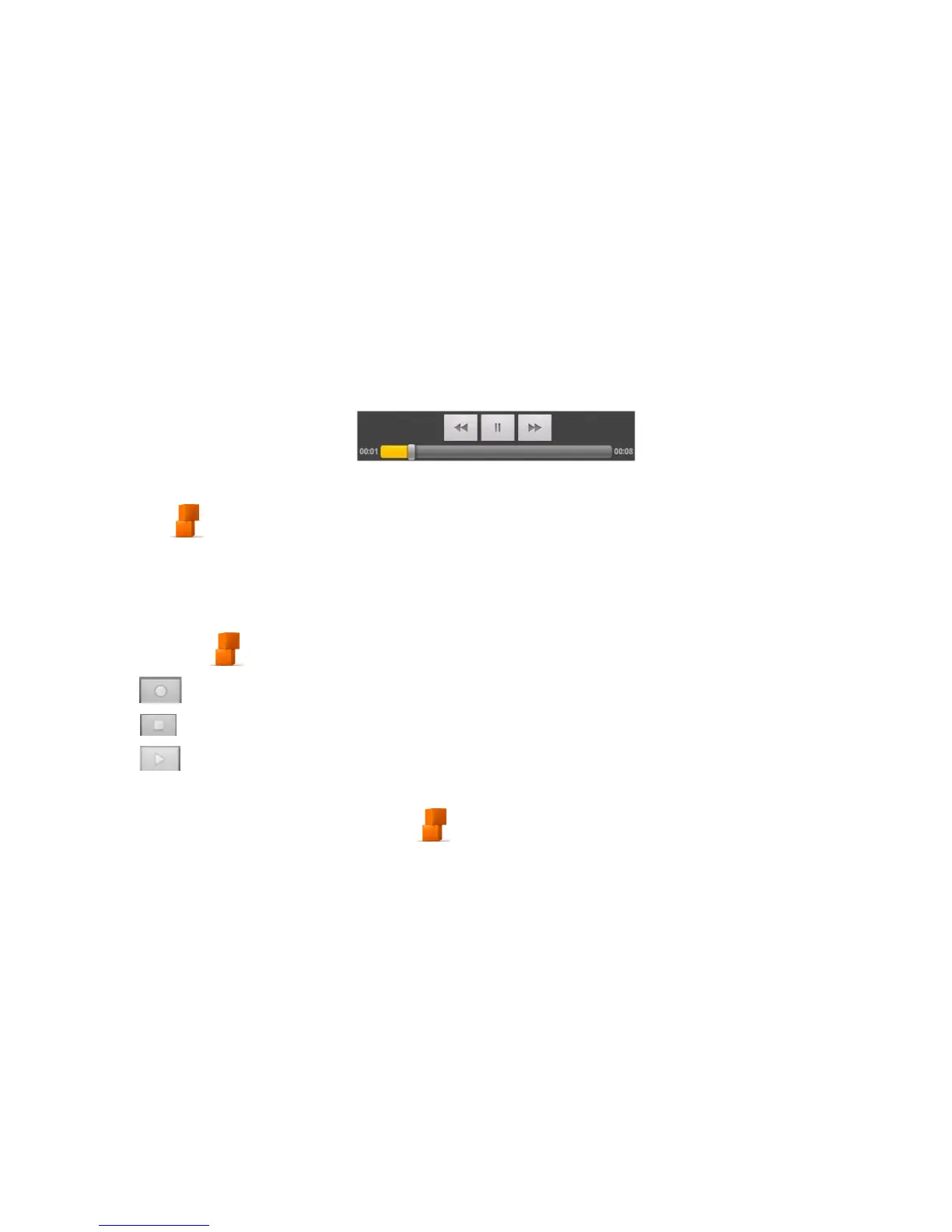
Tap a video file to start playing it. Tap on the screen and the control bar appears as seen below. You can
play, pause, fast forward, rewind, etc.
Opening Your Gallery
Tap Home > > Gallery. You can use the Gallery to view pictures and play videos. You can also do
some basic picture editing – such as setting them as wallpaper or contact icons, and sharing with friends.
Making Voice Memos
The Sound Recorder enables you to record voice memos. You need a microSD card to use it.
1. Tap Home > > Sound Recorder.
2. Tap to start recording.
3. Tap to stop recording.
4. Tap to play back the voice recording.
5. Tap OK to save the voice recording, or tap Discard to delete the recording.
TIPS: To find your recordings press Home> > Music > Playlists > My recordings.



 To Next Page