Battery installation
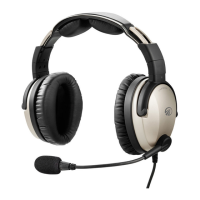
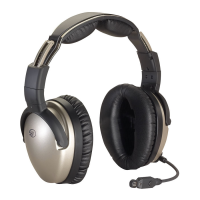
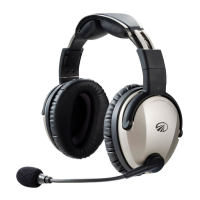
The Sierra headset requires two AA batteries
(included). Use alkaline or lithium batteries for
best performance.
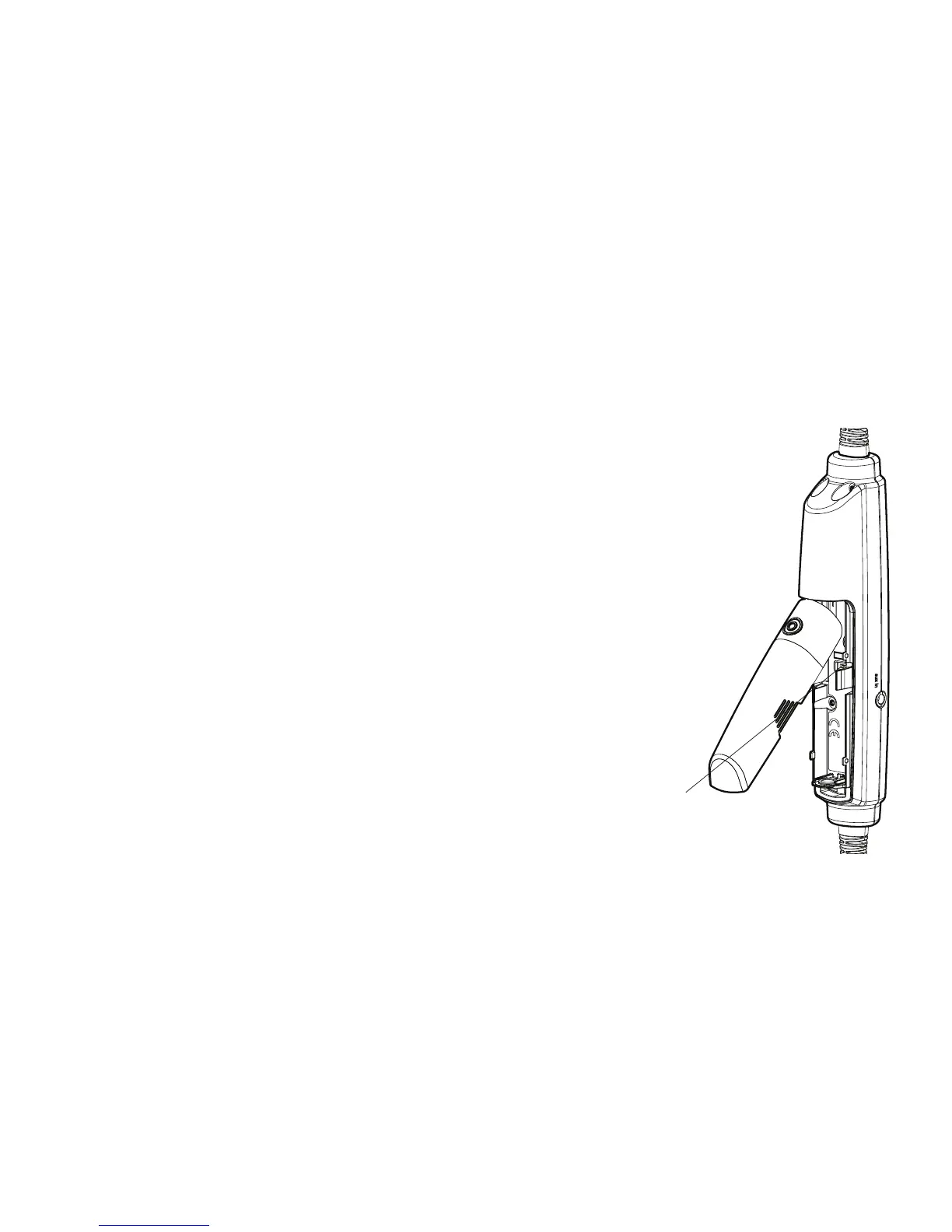
A. Open the controller battery/DIP switch door
by either pressing down on the circle icon or
by pulling open the door along the notched
edges. Insert two AA batteries with the
correct polarity positioning.
B. The LED ashes GREEN when charged
batteries are in use and the power is on.
Battery/DIP switch door
Stereo/mono switch
5
Getting Started
C. When batteries begin to run
low the power LED ashes
red. If the LED ashes red
during ight the headset will
continue to operate. Install
new batteries as soon as
possible at any indication of
low batteries.


 To Next Page