EasyManua.ls Logo

Lightware UMX-TPS-TX120 - Connecting Steps

Lightware UMX-TPS-TX120
183 pages
Print Icon
To Next Page IconTo Next Page
To Previous Page IconTo Previous Page
Loading...
3. Installation  

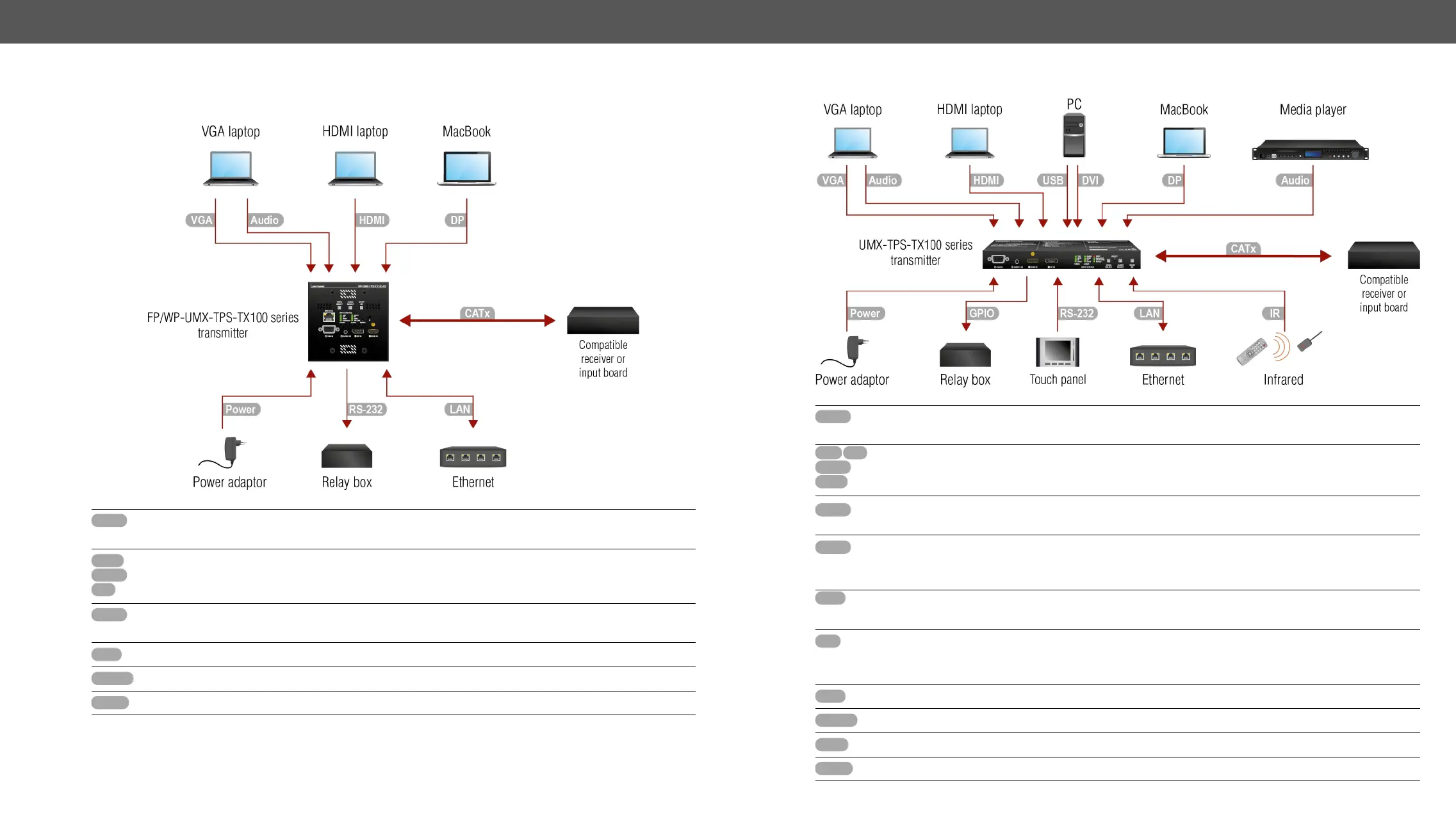
Connecting Steps
FP/WP-UMX-TPS-TX100 series
CATx
Connect the transmitter and a compatible receiver or the matrix input board by a CATx cable via the
TPS connectors.
HDMI
DP
VGA

cables.
Audio

to the 2.5" TRS (jack) audio input port.
LAN

RS-232

Power
See powering options in the next section.

UMX-TPS-TX100 series
CATx
Connect the transmitter and a compatible receiver or the matrix input board by a CATx cable via the
TPS connectors.
HDMI
DVI DP
VGA

cables.
Audio

to the 2.5" TRS (jack) audio input port.
Audio
Optionally connect a symmetric audio device with balanced audio signal (e.g. a media player) to
the 5-pole Phoenix audio input port. See the wiring guide for the connector in the 
Guide section.
USB
Only for UMX-TPS-TX140K: Optionally for USB HID extension: connect the transmitter to the
computer by the USB-B cable and connect USB HID device(s) to the compatible receiver.
IR
Optionally for Infrared control:
- Connect the IR emitter to the IR OUT port of the device.
- Connect the IR detector to the IR IN port of the device.
LAN

RS-232
Optionally for RS-232 control: connect an external device (e.g. touch panel) to the RS-232 port.
GPIO

Power
See powering options in the next section.
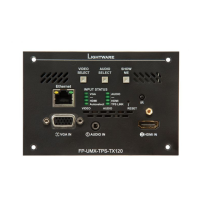
Table of Contents

Other manuals for Lightware UMX-TPS-TX120

Related product manuals