LT360 Precision Turntable
User Manual
LT360 Precision Turntable
User Manual
27
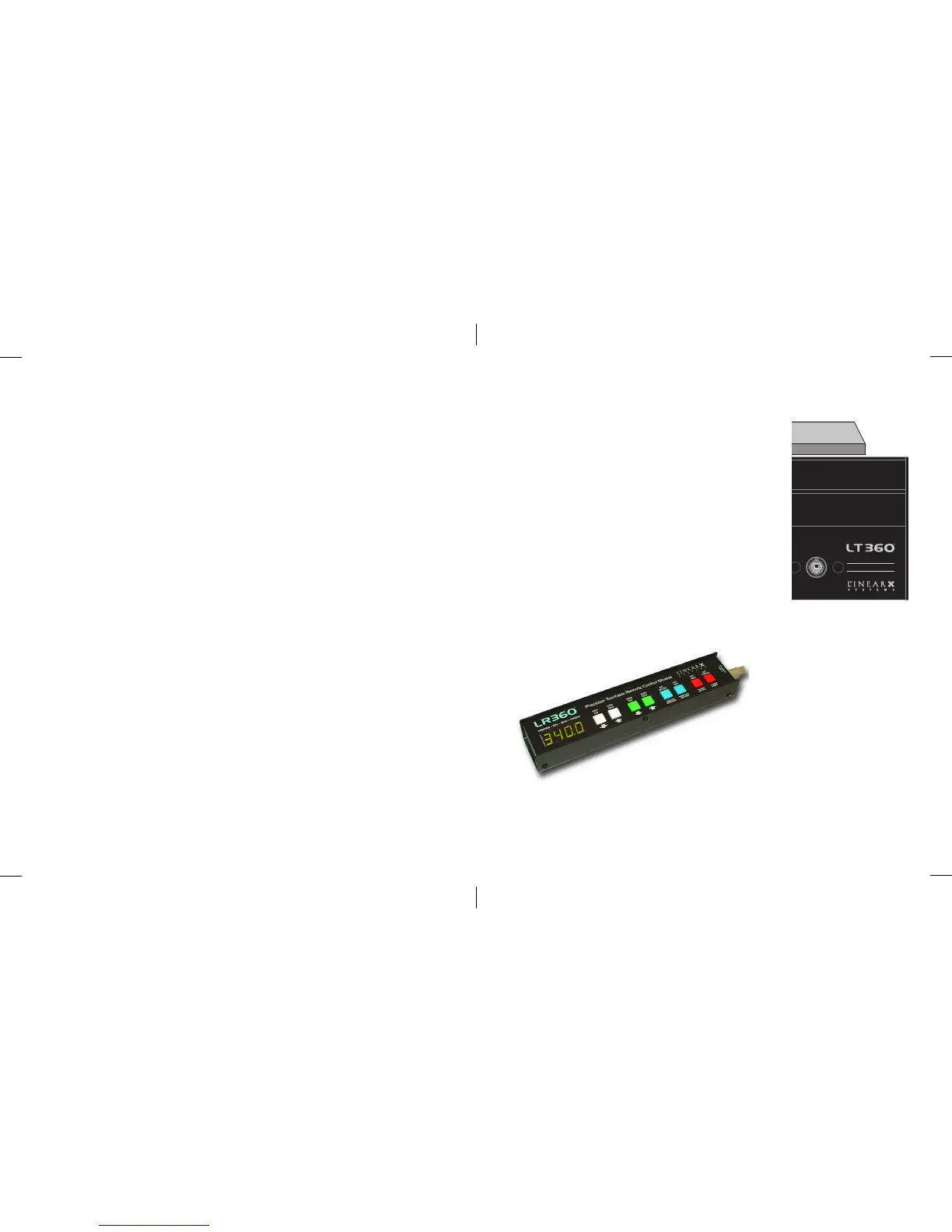
3.7 LR360 Remote
Precision Turntable
LR360
INTERFACE
REMOTE
CONTROL MODULE
12
3
4
56
The LR360 remote provides a means to control
the LT360 turntable manually from a remote
location. It provides a duplication of the front
panel switches and display which can be useful if
the LT360 is located in a difficult to see or operate
location.
In most cases the user will likely be operating the
LT360 via computer. However the LR360 pro-
vides a backup control method if necessary for
certain applications.
The LR360 interface uses a standard PS2 cable
(Mini-DIN6). The LR360 remote must be con-
nected to the LT360 turntable before the power is turned on.
When power is applied, the
LT360 searches for the
presence of the LR360. If
found, its display controller
will be initialized for use
rather than the front panel
controls of the LT360.
Otherwise the LT360
controls are used.
62
Receiving all of the characters for a command string should take very little
time, on the order of micro or milli seconds, so if a termination charcater
does not arrive within 10 seconds, something is wrong. The LT360 uses this
timeout to clear the command buffer every 10 seconds if characters are
received with no termination character. The termination character is
mandatory to notify the LT360 that the entire command string has been sent
and it can now process it.



 To Next Page