Doc Title Wireless smart audio module
Number
WMB20150921
Document No.: WMB20150921 Page 19 of 21
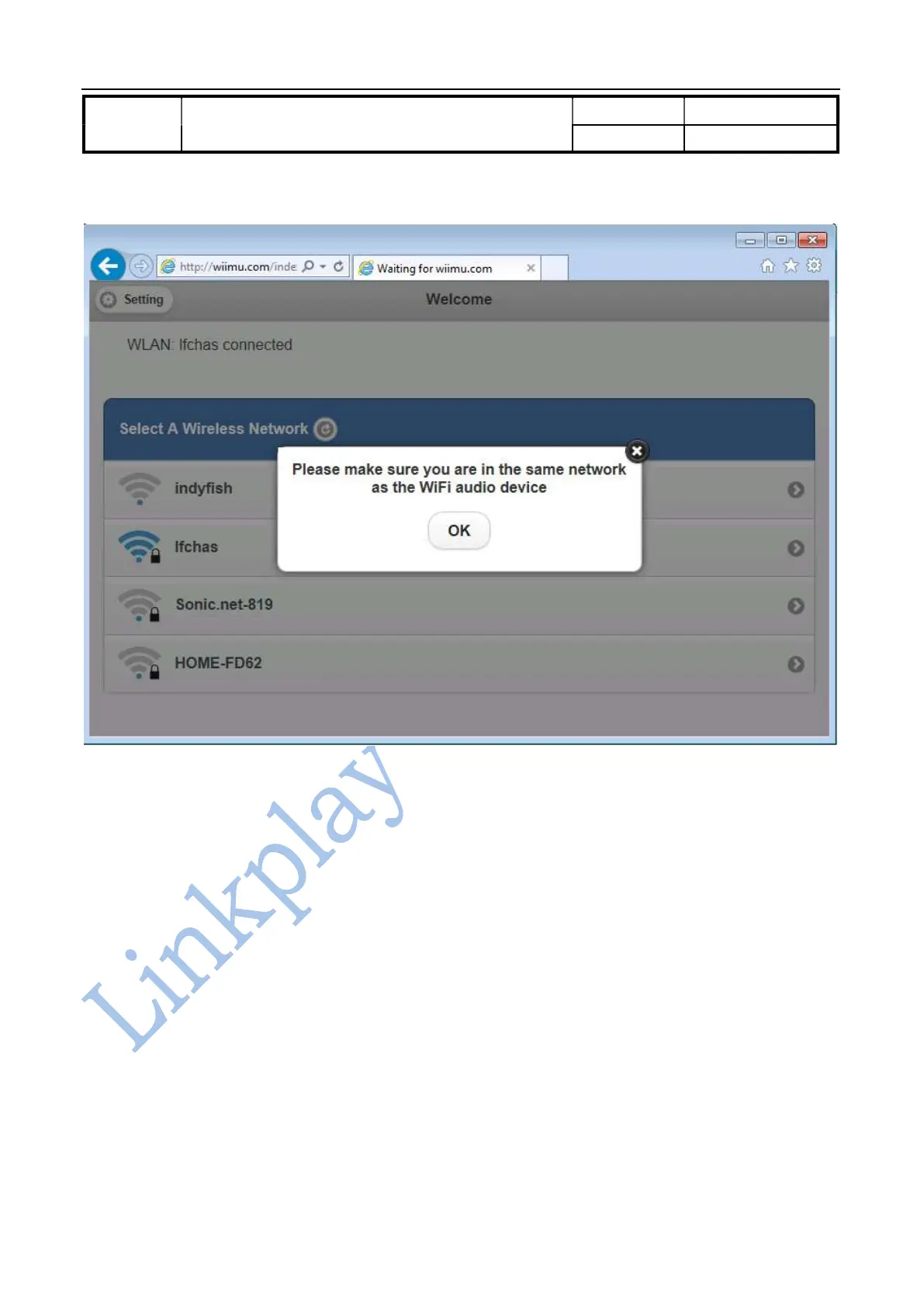
Figure 3-3 Keep the device and LinkPlay WiFi Audio A31 in the same network
3.4.3. Advanced setting for the module
Press the setting button in top left corner of the WiFi setup page to enter the page for advanced settings. There are
three setting fields such as device information, module and wireless LAN setting.
3.4.3.1. Module setting page
It is used to perform manual software upgrade, restore factory settings and setup the default language.
3.4.3.1.1. Software upgrade
Important: software upgrade is the critical operation so please be cautious of doing this. In the process of
software upgrade, please don’t playback any music or any other operation except the software upgrade.
Please don’t disconnect the power for the module during the process.



 To Next Page