Doc Title Wireless smart audio module
Number
WMB20150921
Document No.: WMB20150921 Page 6 of 21
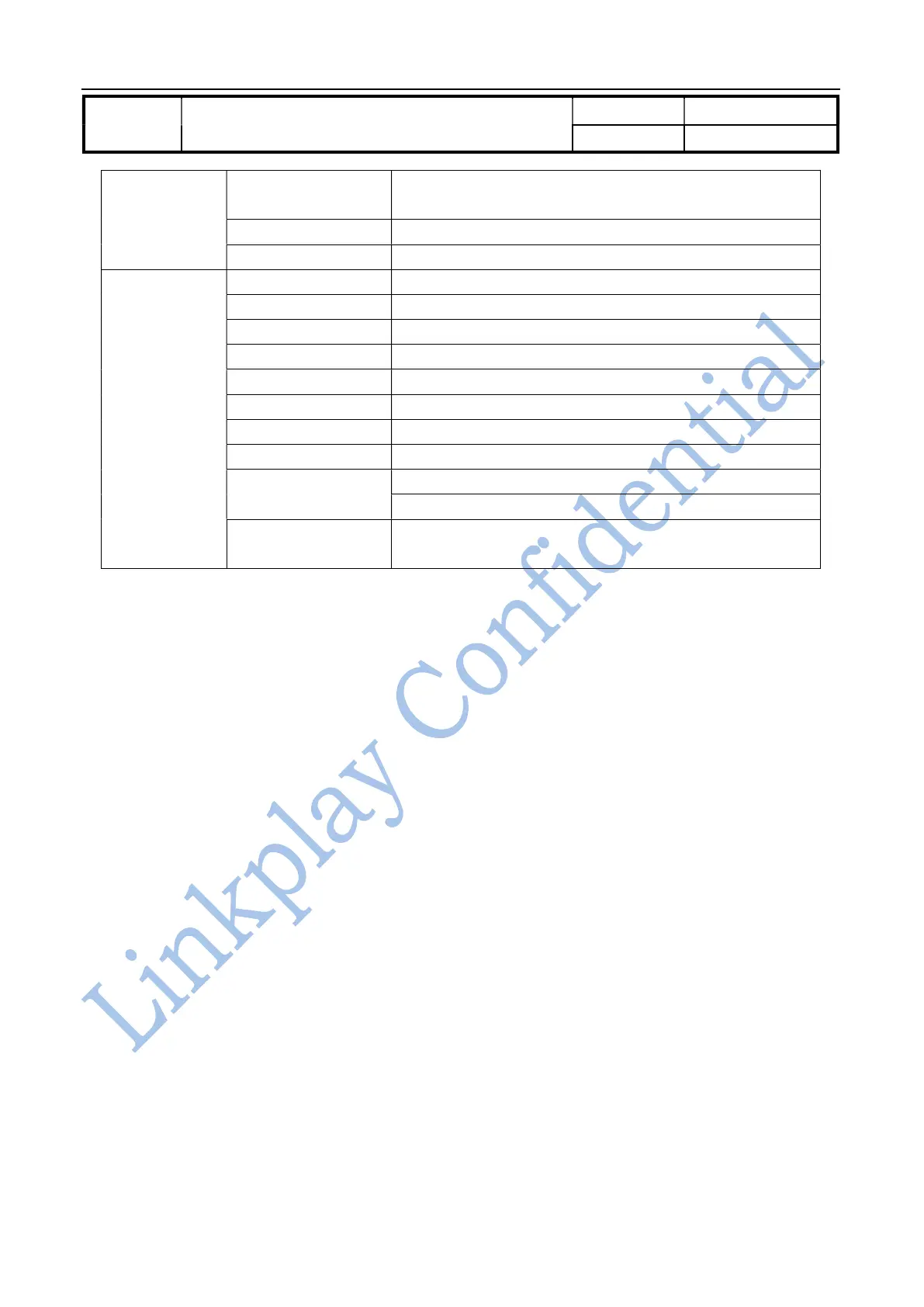
Max. Processing
Temp.
230℃ for 30-60 seconds
260℃ for 10 seconds
ESD-HBM ±2000V
ESD-CDM ±500V
Software
Wi-Fi working mode AP Client (by default)/AP/STA
Security WEP/WPA-PSK/WPA2-PSK/WAPI
Encryption WEP64/WEP128/TKIP/AES
User Configuration Web browser, Companion APP
Software update Web browser or APP
Online update Support
Audio source U disk, Smartphone/Tablet/PC, online contents
Applications support iOS, Android, Win7/8
Audio streaming
protocol
AirPlay
DLNA, Spotify Connect, QQ music Qplay
Multi-room audio Support Airplay, Spotify Connect, DLNA, U Disk attached to
Wi-Fi device, BT and Aux-in multi-room transmission
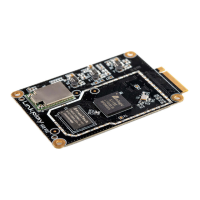
Table1-1 LinkPlay Wi-Fi Audio A31 module parameters
2. Hardware Description
2.1. Description of hardware interface
LinkPlay Wi-Fi Audio A31 module provides the option to connect with customer board through its 36-pins DIP .
The detail is as follows.



 To Next Page