7
Advanced Configuration
How to open the browser-based utility
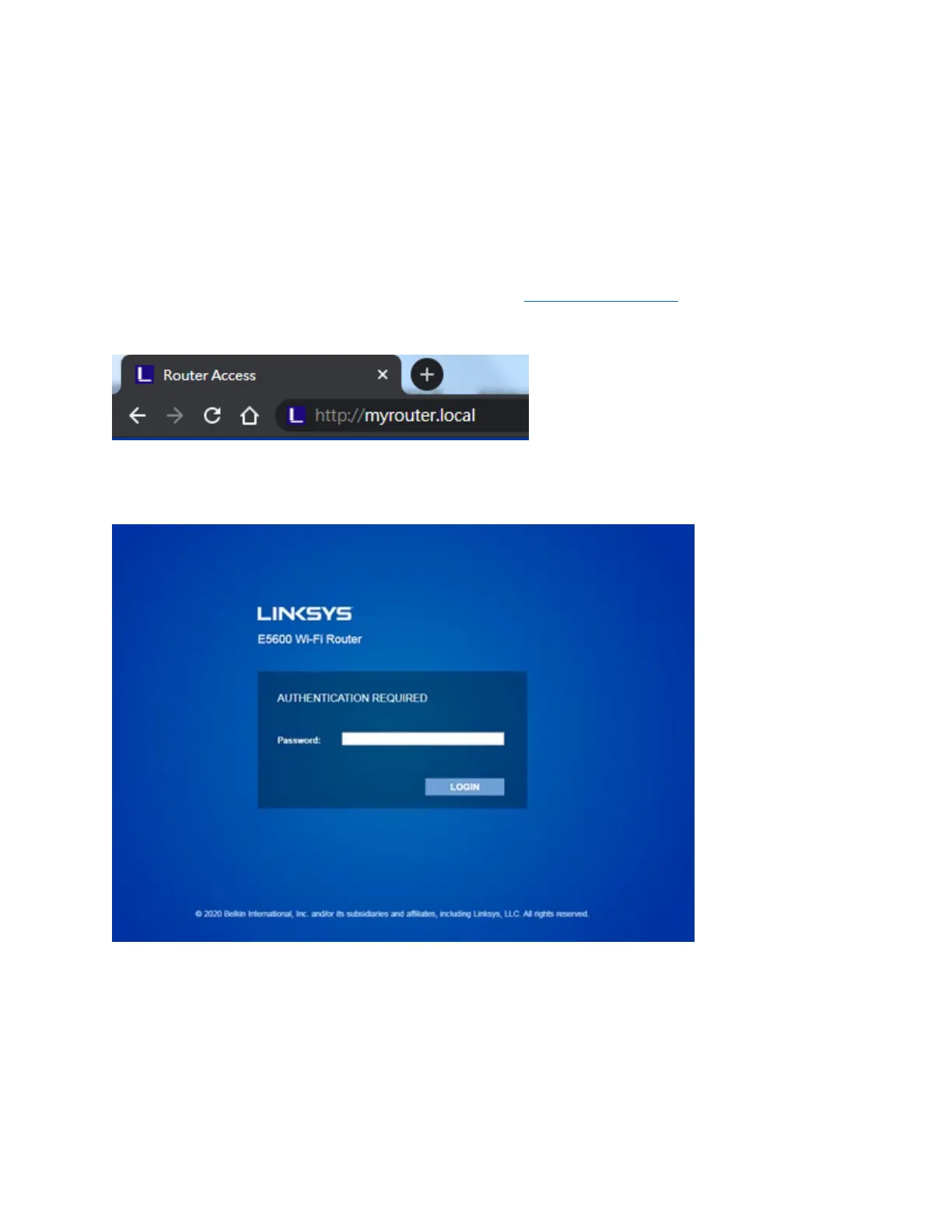
To access some advanced settings, you need to open the browser-based utility. Make sure you are
connected to the router, open a web browser and enter http://myrouter.local
in a web browser or go
to 192.168.1.1.
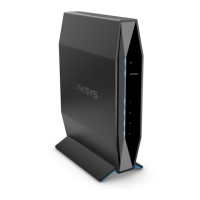
The router will prompt you for a password.
If you changed the password during setup, enter the new password. Click LOGIN. If you didn’t change
the password, or skipped setup altogether, the default password is ‘‘admin’’.


 To Next Page