Switching On
To switch the instrument on, press and hold down the “C” button.
On power up the instrument will switch on and run its self
diagnostics check: this ensures the instrument is functioning
correctly and that there is enough battery power to carry out at
least ten breath tests.
To switch the instrument off, press and hold the “C” button for five
seconds. The instrument will show that it is powering down and
initiate the power down sequence.
Operation
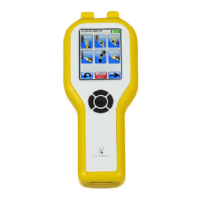
The lion alcolmeter® 600 can be operated by means of either the
navigation pad or with the navigation pad in conjunction with the
touch screen. Using the navigation pad in conjunction with the
touch screen means that the user can quickly enter data and scroll
through menus with the minimum number of button presses.
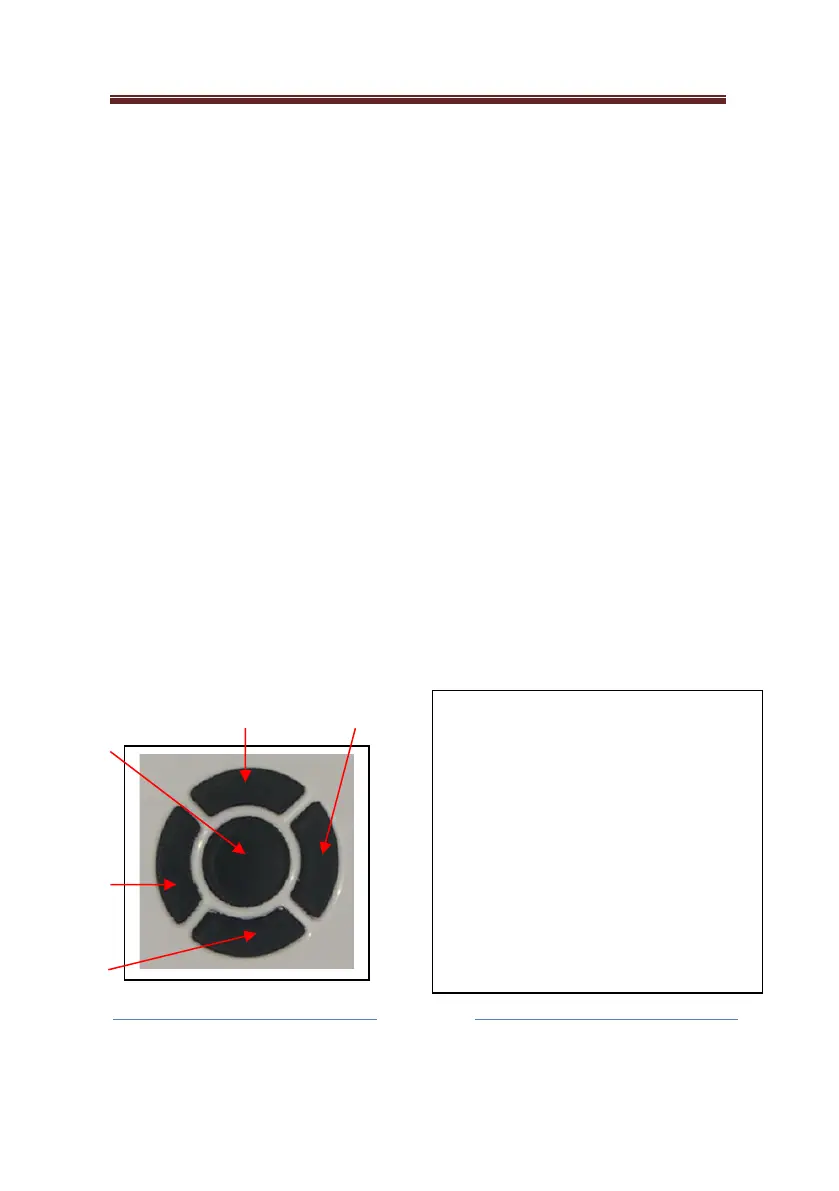
The navigation pad has five switching positions:
N – Moves the selected button up on
the screen.
S – Moves the selected button down on
the screen.
W – Moves the selected button left on
the screen.
E – Moves the selected button right on
the screen.
C – Confirms the user’s selection.


 To Next Page