lion alcolmeter® 600 – User Handbook (Ref: RM46914)(ver: 02)
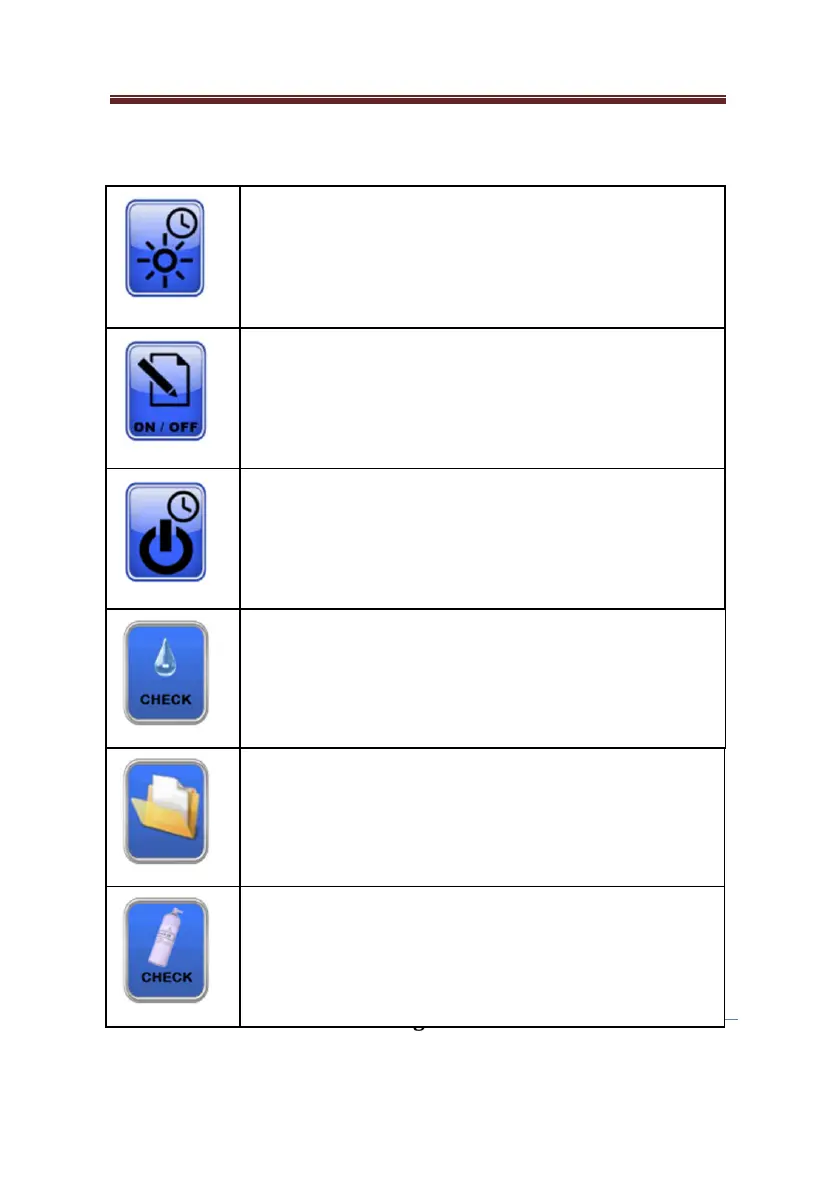
Second Menu Button Functionality
This function allows the user to set the dimming
time in seconds.
Mode: Auto power down time
This function allows the user to set the auto power
Mode: Data entry on / off
This function allows the user to switch data entry
after the test routine, on or off.
Mode: Wet vapour calibration check
This function allows the user to carry out a
calibration check on a known wet vapour
Mode: Subject test database
This function allows the user access to the subject
test database.
Mode: Dry gas calibration check
This function allows the user to carry out a
calibration check on a known dry gas standard.


 To Next Page