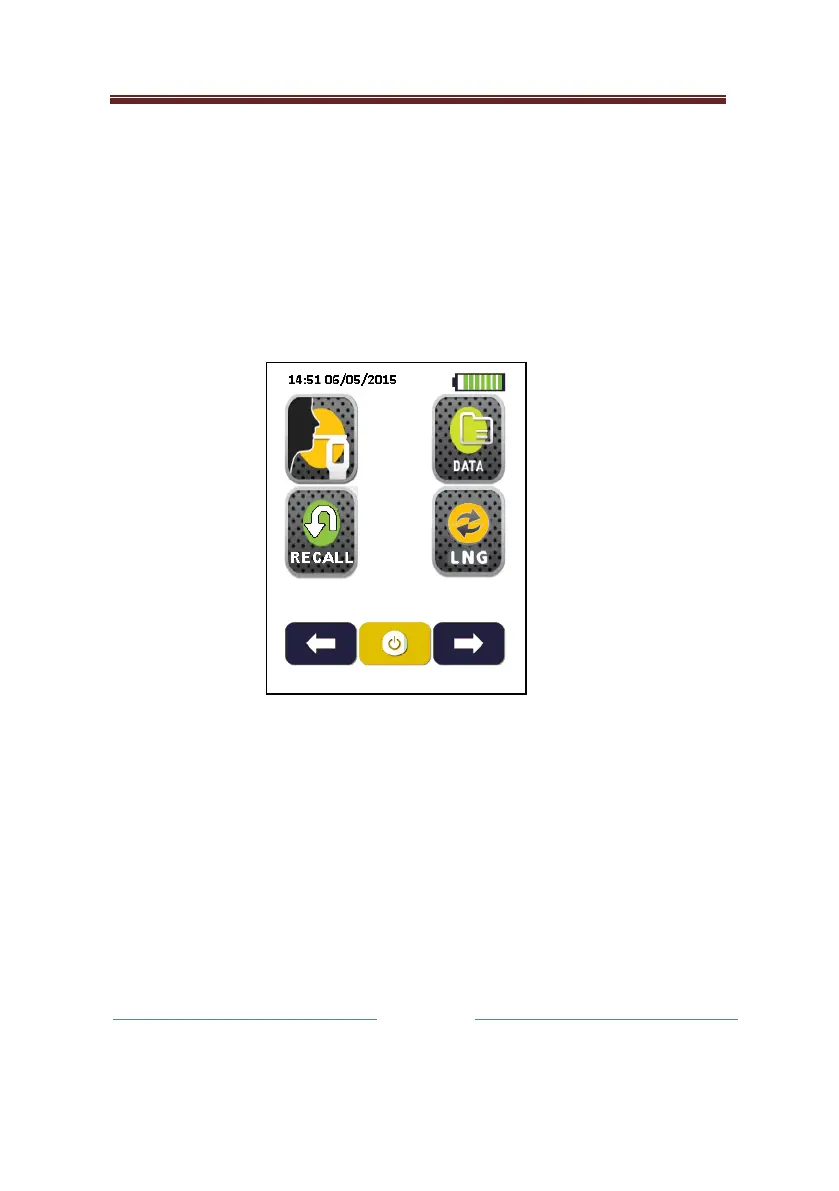
Main Menu
The main menu allows the user to access the mouthpiece test
routine test menus by pressing the associated icon; and access to
the last test recall and the database. It also allows the user to
switch the language on the instrument. This screen is always
enabled and accessible to the user.
There are a further two screens that can be accessed from the main
menu screen by pressing either the right hand arrow, or left hand
arrow. These screens allow the user to further configure the
instrument to their needs. These screens may be disabled if they
are not needed.


 To Next Page