The utility will load up and show the version number, and with an
instrument connected will automatically ascertain and show the
instrument’s serial number and number of records saved.
If the utility has already been set up then all the operator needs to
do is press the upload button and the data will transfer to the
computer.
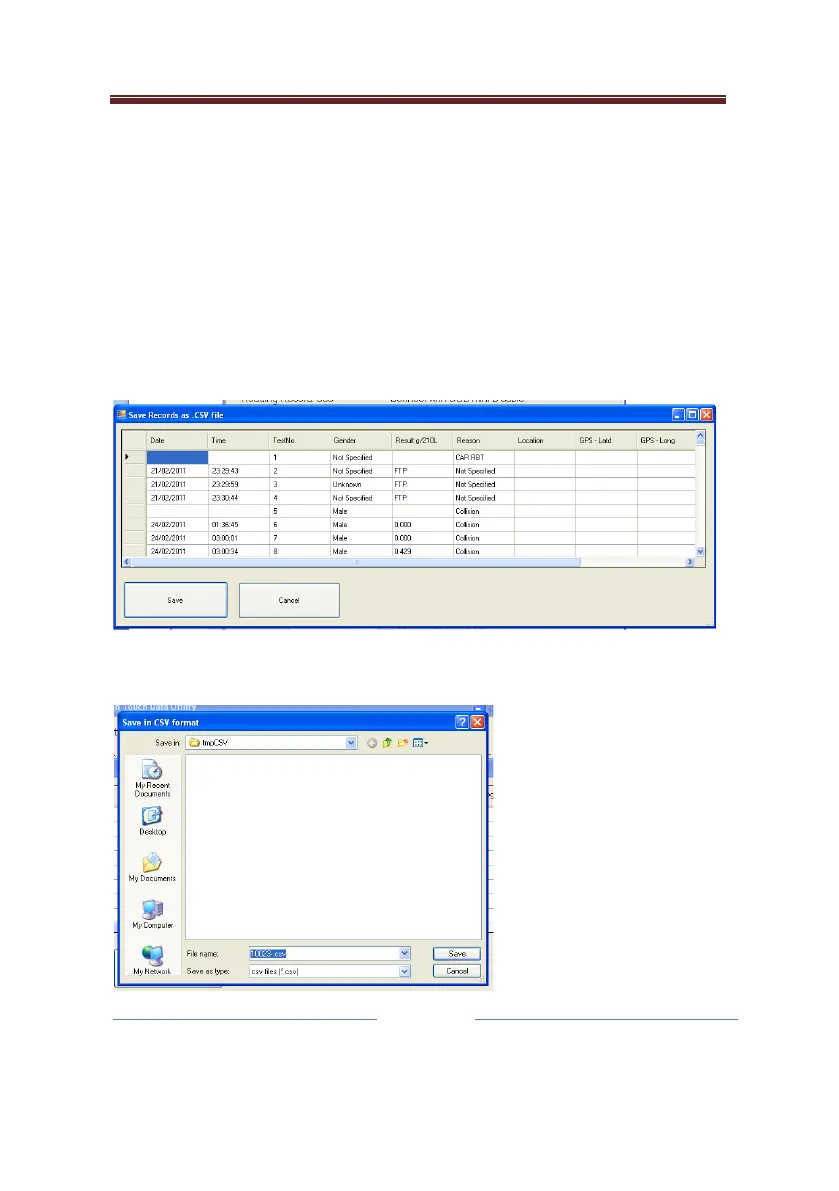
Once transferred, the data will be displayed in the viewer:
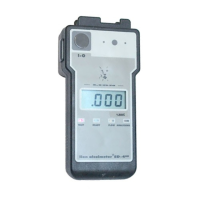
And the operator can select to save the data record:
The file route can be
defined in the
password protected
menus, and the file
name default will be
the instrument’s serial
number. If there is
already a file with the


 To Next Page